If you searched for how to share r markdown html, the safest workflow is this: render the report to HTML, open it locally, check whether it depends on extra files, remove anything private, then share either a self-contained HTML file or a ZIP package through the right publishing path.
For a quick stakeholder review, a hosted share link is usually faster than asking someone to download an .html file or run RStudio. For a permanent public site, documentation hub, or multi-page project, use a static host or an R-specific publishing service instead.
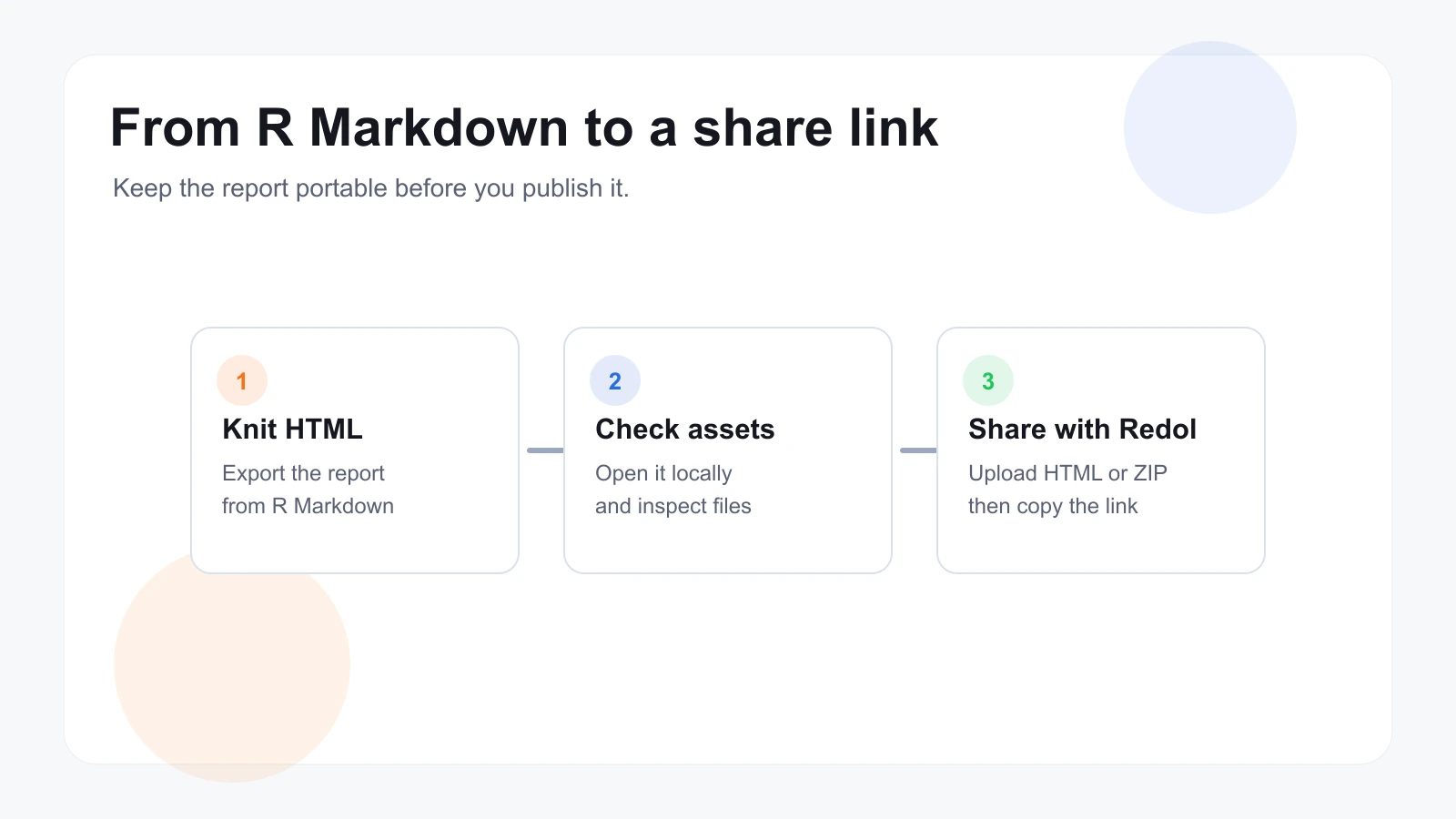
Start With the Sharing Job
Do not choose the platform first. Choose the job.
| Sharing job | Best path | Why it fits | Check first |
|---|---|---|---|
| Send one rendered report to a client or teammate | Hosted HTML share link | Fastest path from file to browser URL | Confirm the report opens locally |
| Share a report with a small group | Password-protected share link | Keeps casual access away from the page | Remove sensitive rows and comments |
| Publish an ongoing analytical project | R-specific publishing or static hosting | Better for repeat publishing and updates | Decide how source files are maintained |
| Publish a public website or book | Static website workflow | Better for many pages, navigation, and domains | Check folder structure and index files |
| Share code for collaboration | Repository or source notebook | Better for review and reproducibility | Decide whether HTML output is enough |
This distinction matters because an R Markdown HTML file is output, not always the whole project. It may contain figures, JavaScript libraries, widgets, source snippets, data tables, or paths that only make sense on your machine.
Make the HTML File Portable
Before sharing, knit the report and open the rendered HTML in a browser outside your editor. Scroll through the whole report and check charts, tables, images, tabs, and interactive widgets.
Use this checklist before you send the link.
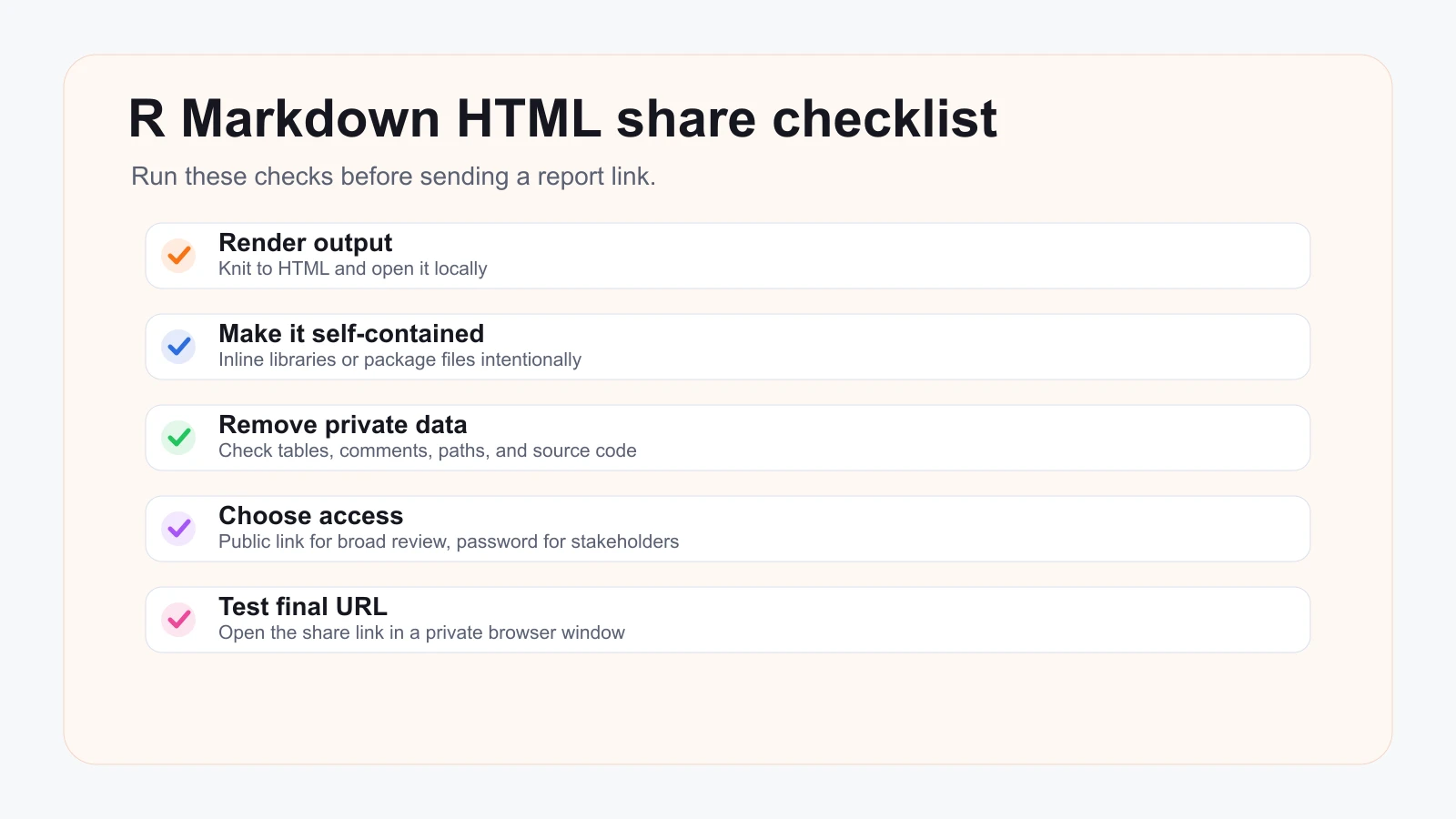
The practical checks are:
- Render the report to HTML.
- Open the HTML file locally in a browser.
- Confirm charts, images, tables, and widgets load.
- Search the source for local file paths, private names, API keys, or hidden notes.
- Decide whether the audience needs a public link or a password-protected link.
- Test the final URL in a private browser window.
If the report only works on your machine, sharing the file will not fix it. Make the output portable first.
Use Official R Markdown Guidance as the Baseline
The R Markdown ecosystem already has publishing paths. The R Markdown Cookbook includes a section on sharing HTML output on the web, and the public page lists R-specific services, static website services, and other hosting options.
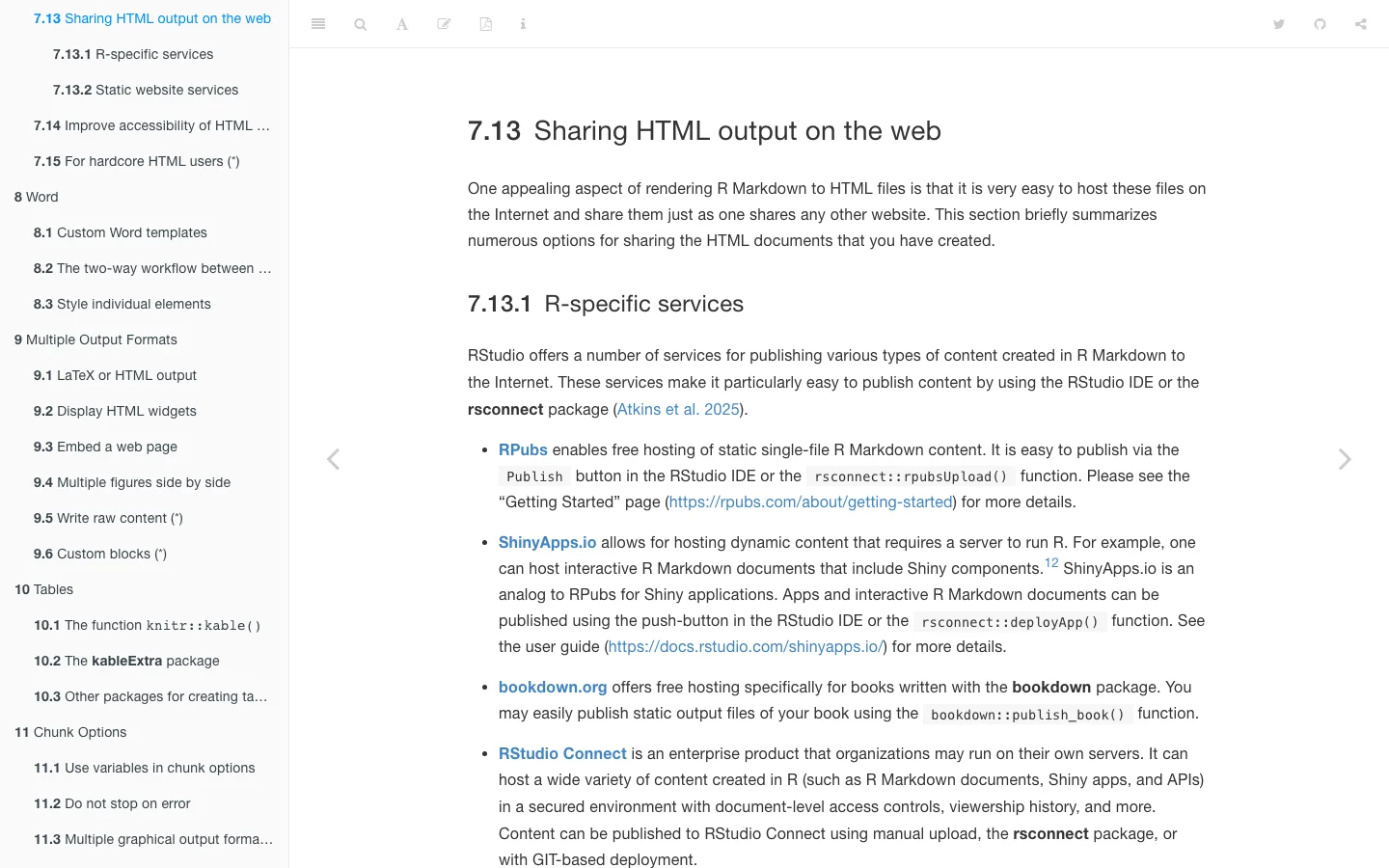
Use official references when you need the R-specific route:
- The R Markdown Cookbook page on sharing HTML output is a good starting point for the broader publishing landscape.
- The R Markdown lesson on how output works is useful when you need to explain what the rendered HTML file is.
- Posit community threads can help with edge cases, but treat forum advice as context rather than product documentation.
For a team report, the choice is often simpler than the full ecosystem map. If the task is "let people view this finished HTML report," use a share link. If the task is "operate a repeatable analytics publishing system," use a publishing platform designed for that system.
Share the Finished HTML With Redol
When the report is ready to send, Redol HTML Share can turn the rendered .html or .htm file into a hosted link. The current Redol product route also accepts a .zip package with an HTML entry point, which is useful when you need to package a report output intentionally.
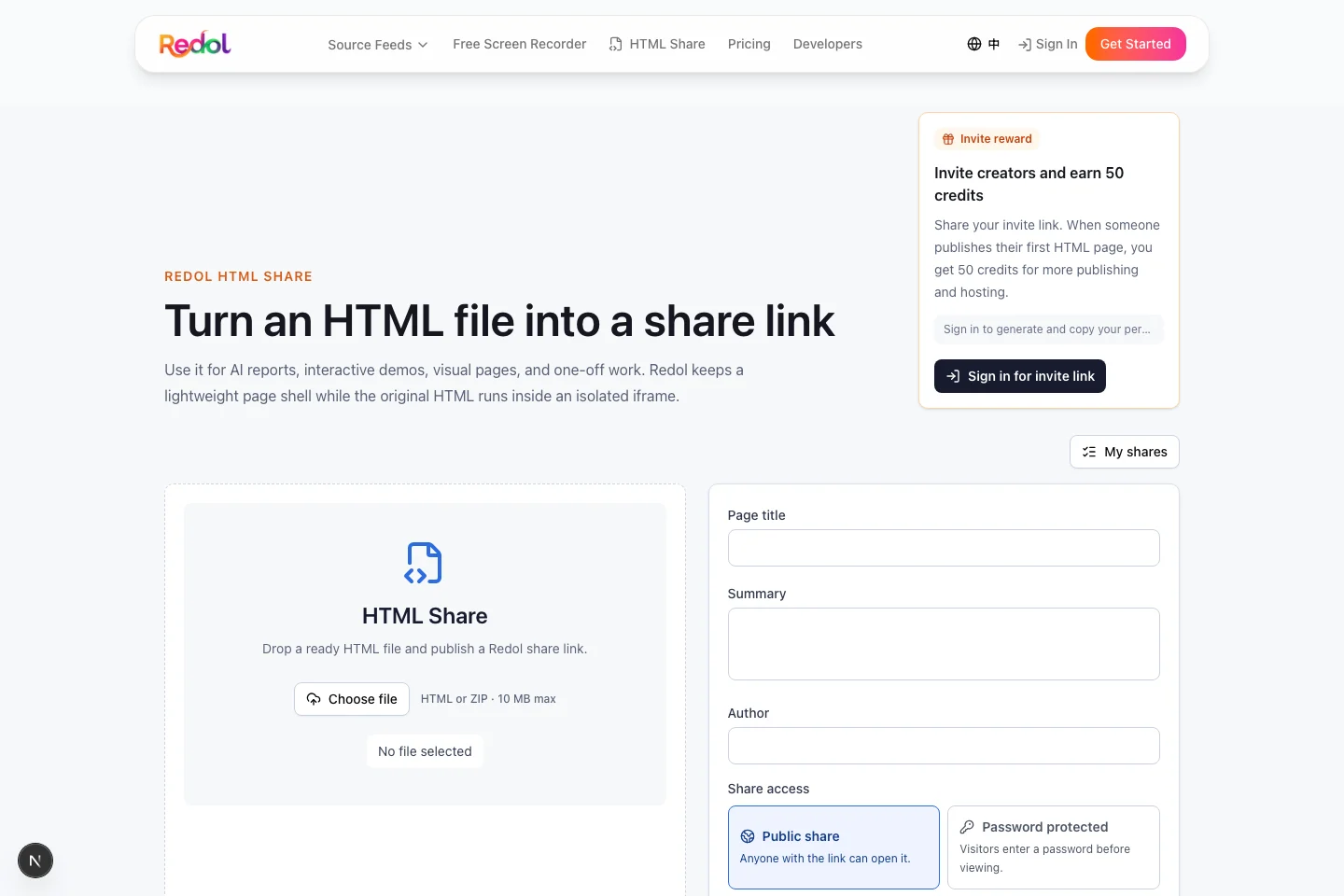
Current Redol source and local route evidence support these claims:
- Redol accepts
.html,.htm, and.zipuploads. - The current client-side upload limit is 10 MB.
- Redol lets you add title, summary, and author metadata before publishing.
- Shares can be public or password-protected.
- Published pages are displayed inside an isolated iframe preview.
- External links and off-site navigation are safety-checked by the current uploader flow.
Use Redol when the HTML report is already rendered and the audience needs a browser URL. Do not treat it as a replacement for a full analytics deployment, a custom-domain site, or an R server workflow.
Turn an R Markdown HTML report into a share link
Use Redol HTML Share when your report is already rendered and you need a public or password-protected browser link for review.
When a ZIP Package Is Better Than One HTML File
A single HTML file is easiest to share when the report is self-contained. It is not always enough.
Use a ZIP package when:
- the HTML entry file references nearby JSON files
- the report output needs a small set of generated data files
- you want to keep the report output together as one upload
- you have checked which files the publisher can actually use
Be careful with images, CSS, videos, and other local assets. Redol's current UI detects local asset references and warns that packaged asset upload is planned for Redol Premium rather than something to assume is fully live for every bundle. If the report depends heavily on a folder of supporting assets, test the preview carefully or move to a static host.
Remove Private Data Before Sharing
R Markdown reports often mix narrative, code, results, and environment details. Before publishing the HTML, check more than the visible page.
Look for:
- hidden comments or draft notes
- local paths such as
/Users/name/project/... - copied API responses or private customer records
- tables that include row-level data instead of aggregates
- code chunks that reveal credentials or internal endpoints
- charts with labels that should not be public
- screenshots embedded in the report
Password protection helps control access, but it is not a substitute for removing data that should not leave the project.
Common Problems and Fixes
The recipient sees a blank or broken chart
Open the HTML in a fresh browser window on your own machine first. If it relies on external scripts or local files, decide whether to make the report self-contained, package the output, or move to a platform that can host the dependency set.
The file is too large to upload
Reduce embedded images, remove unnecessary interactive widgets, or publish through a static hosting path. Redol's current client-side limit is 10 MB, so oversized reports need trimming or a different workflow.
The report needs frequent updates
Use Redol for fast sharing of a finished output. If the report is regenerated weekly or daily, keep the source project in a repeatable workflow and publish each stable output intentionally.
The report needs a custom domain or public SEO behavior
A share link is good for review and distribution. A public site with custom domains, durable indexing, redirects, and multi-page navigation belongs on a static host or a dedicated publishing system. If you need the broader HTML publishing decision tree, use Redol's companion guide on how to publish a website with HTML.
The Best Path for R Markdown HTML Sharing
For the exact task how to share r markdown html, the best article-level answer is not one universal platform. It is a sequence:
- render the report,
- make the HTML portable,
- remove private data,
- choose public or password-protected access,
- test the final URL.
Use Redol HTML Share when the report is a finished HTML file and the job is fast review, stakeholder handoff, or lightweight distribution. Use R-specific publishing or static hosting when the report is part of a larger, repeatable publishing system.
Related posts
About the Author

Zhang Guo
AI Product Manager · Digital Marketing Consultant
AI product manager and digital marketing consultant with a background in music. I see creativity as the bridge between rhythm and logic, where musical intuition and mathematical precision can coexist in every meaningful product decision.
Follow on X