Mac client is available now
Download and install the macOS DMG directly from our public GitHub Releases page. Log in with a free Redol account to enjoy unlimited recording and export forever.
Apple Silicon DMGIntel Mac coming soon
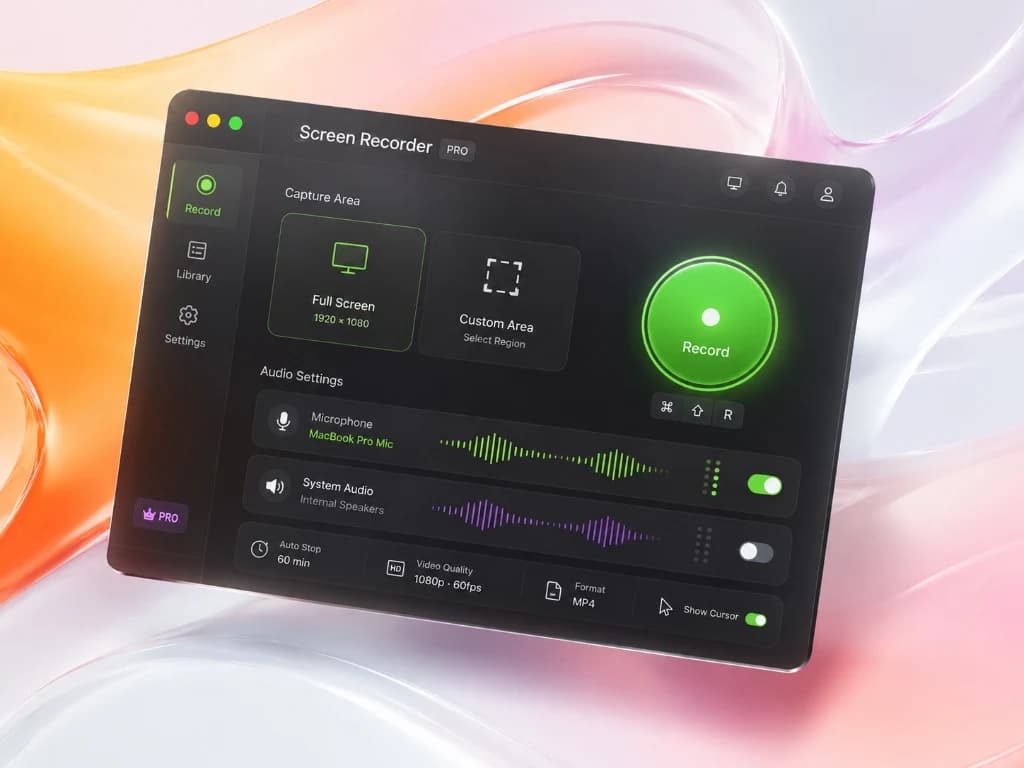
Experience high-performance, studio-grade screen recording powered by macOS native Metal rendering pipeline. Capture screen, crystal-clear system audio, mic, and webcam overlay simultaneously. Edit with zooms, crop sizes, and cursors, then export locally in milliseconds.
Download and install the macOS DMG directly from our public GitHub Releases page. Log in with a free Redol account to enjoy unlimited recording and export forever.
Release assets live in a public repository, so the website does not need to proxy large installer files or pay CDN traffic for every download.
What's new in this release
The Windows build is planned, but the current release focuses on macOS quality and performance first.
Product features
A complete recording-to-export workflow designed for developer tutorials, product demos, online courses, and quick bug reports. Zero lag, 100% local.
Enjoy unlimited recording time, zero watermarks, and no hidden features or subscriptions. Focus on creating.
Utilizes Apple Silicon hardware encoding and native macOS rendering. Export short recordings instantly without lag.
Capture application sounds (loopback audio), microphone narration, and a resizable camera overlay simultaneously.
Dynamically zoom in to focus on any section, customize cursor highlight clicks, and guide viewers' eyes naturally.
Trim mistakes, crop or resize video dimensions, add canvas backgrounds and borders without launching heavy editing apps.
All video capture, rendering, and exports happen locally on your Mac. No video uploads needed, ensuring complete privacy.
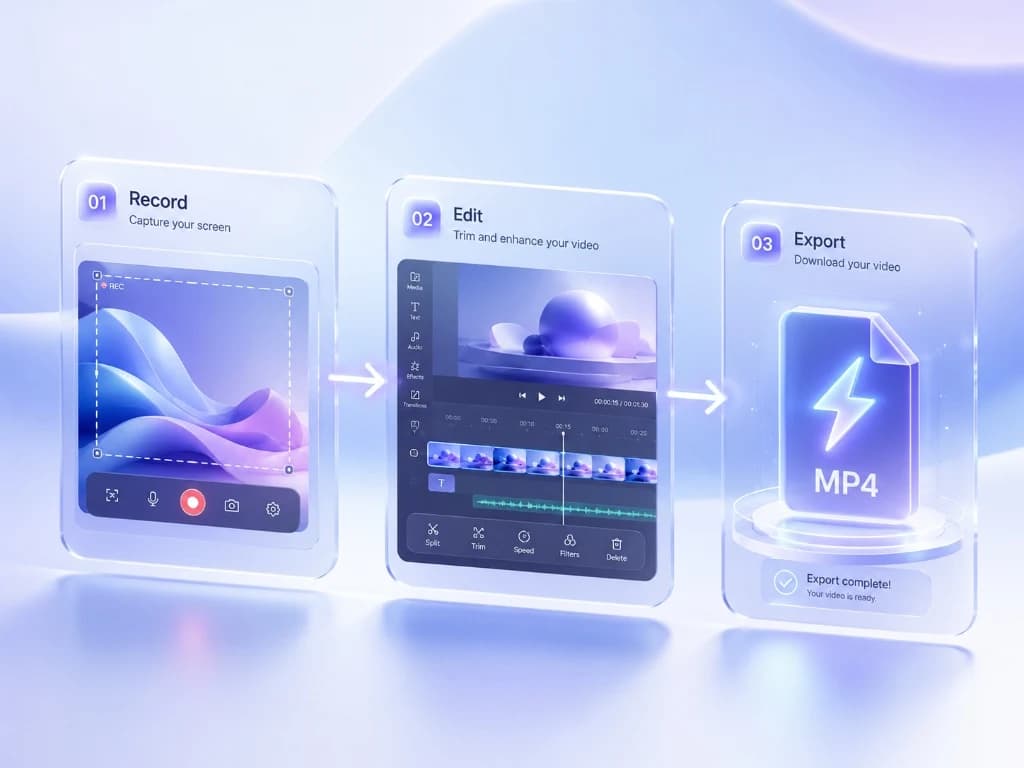
Workflow
Redol Screen Recorder consolidates recording and post-production into a single, high-performance local workflow.
Choose your window or custom area, toggle system sound & microphone, overlay your webcam, and start recording.
Zoom in on key areas, crop sizes, add text labels, or highlight mouse cursor click actions to focus on core details.
Export locally to optimized MP4 format using native hardware codecs, ready for immediate sharing.
Why Creators Choose Redol
Optimized for the macOS ecosystem with high-performance graphics pipelines and zero runtime overhead.
Zero frame drops, even when recording resource-heavy 3D apps, IDEs, or high-definition games.
Capture system audio directly with a virtual loopback driver, no external microphones or complex routing needed.
Adjust canvas size and aspect ratios (16:9, 9:16, 4:3) on the fly to fit YouTube, XHS, or mobile formats.
No ads, no adware, no telemetry, and zero bloatware. Clean product designed for professional creators.
FAQ
Yes! Redol Screen Recorder is 100% free with no hidden charges, no subscription fees, no watermarks, and no recording time limits.
Yes! It includes native support for system audio loopback capture, allowing you to record clear internal application sounds alongside mic narration.
Yes! The built-in editor allows you to apply instant zooms to focus on specific UI areas and crop or resize your videos to any dimensions.
Everything is stored 100% locally on your computer. Your screen recordings never leave your Mac, assuring total privacy and security.
No, all exported videos are completely watermark-free, giving your videos a clean, professional look.
Download the latest macOS client, sign in with your free Redol account, and experience the fastest native recording, editing, and local MP4 export.