1
Upload and select
Drag in your watermarked photo. AI can scan overlay patterns, or you can paint precise mask areas.
Instantly remove logos, text overlays, stamps, and copyright watermarks from photos. Redol reconstructs clean backgrounds with AI texture synthesis.

Upload your own photo or pick a sample below. Paint over the watermark area, then let the neural network do the rest.
Or click to browse from files
Or try with these sample images
Built on deep learning, Redol reconstructs textures with high speed and natural detail.
Drag in your watermarked photo. AI can scan overlay patterns, or you can paint precise mask areas.
The encoder decomposes image features, separating watermark frequencies from native textures.
The generative inpainter reconstructs missing detail and fills structures for a clean output.
Engineered for photographers, designers, marketers, and visual teams.
Goes beyond simple blurring by synthesizing native textures such as brick, hair, fabric, and waves.
Keeps unchanged pixels untouched while matching colors, details, and clean resolutions.
A fast processing surface built for large images and short creative cycles.
Maps watermark grids, text marks, copyright labels, and date stamps automatically.
Handles overlapping stamps, logos, text overlays, and dating layouts in a single image.
Designed around secure transfer, temporary processing sessions, and automatic cleanup.
Drag the sliders to see before and after comparisons on different media types.
Removes timestamps and grid watermarks from skies and architecture without heavy blur.

Scrubs stock patterns while keeping facial details, hair, and clothing textures clean.
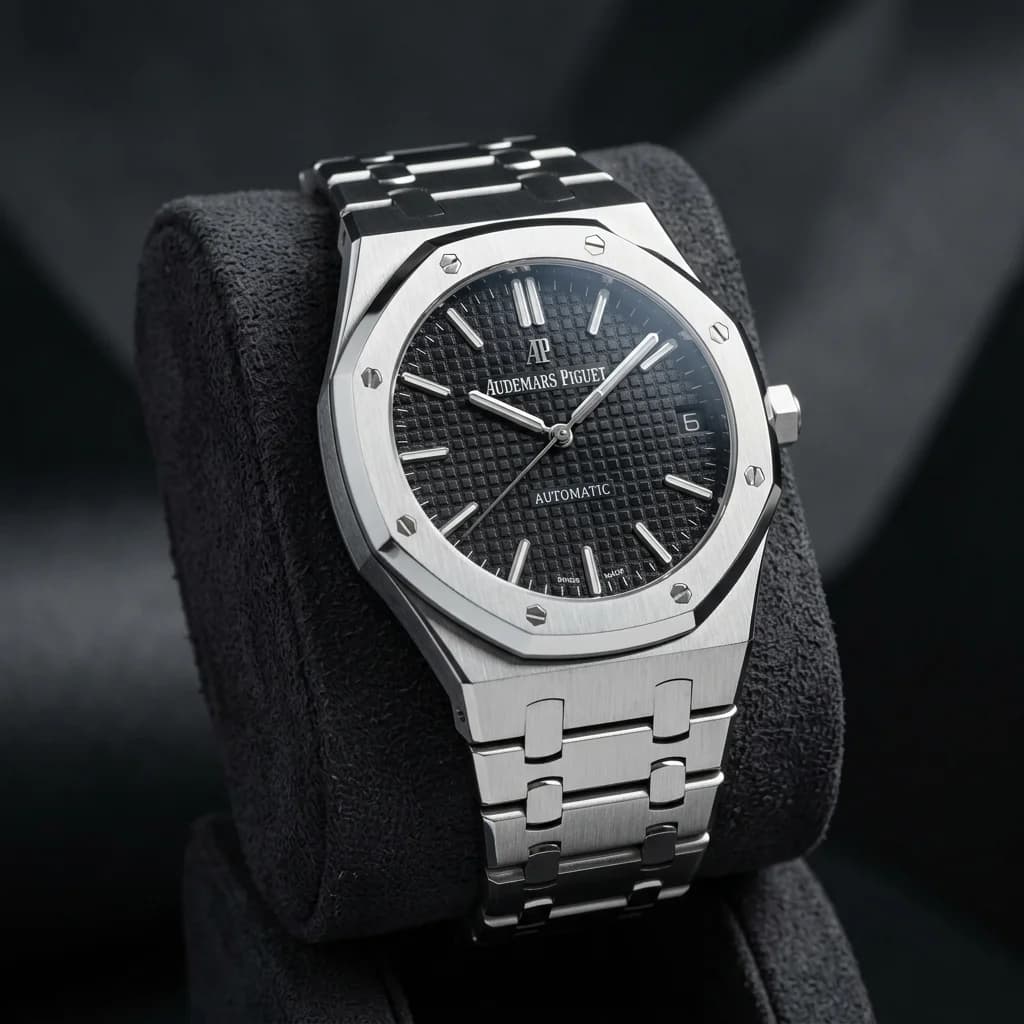
Cleans logo text overlays on watch metal, leather, and dark structured textures.
Answers about file safety, brush masks, complex backgrounds, and batch workflows.
The page offers a free starting flow for trying basic removal. Higher resolution, batch operations, and priority queues can be expanded as paid capabilities.
After loading an image, paint over the watermark area in red and click Erase Watermark. The AI focuses on reconstructing the marked area while preserving the rest of the image.
Yes. The product positioning covers textures such as waves, clothing, metal, grass, skies, and architecture by synthesizing replacement details from nearby context.
The workflow is designed around secure transfer, temporary processing sessions, and automatic cleanup rather than long-term file retention.
The page structure leaves room for batch upload, auto-detection, and queue-based processing for larger teams.
Join creators and visual teams using Redol AI to clean media without sacrificing quality.