Yes, SynthID can survive a screenshot. In our test, OpenAI’s verifier detected the watermark in the original image, a Chrome screenshot, a center crop, and a JPEG export. Detection depends on the image and how it was captured, edited, and checked.
Our screenshot, crop, and JPEG test
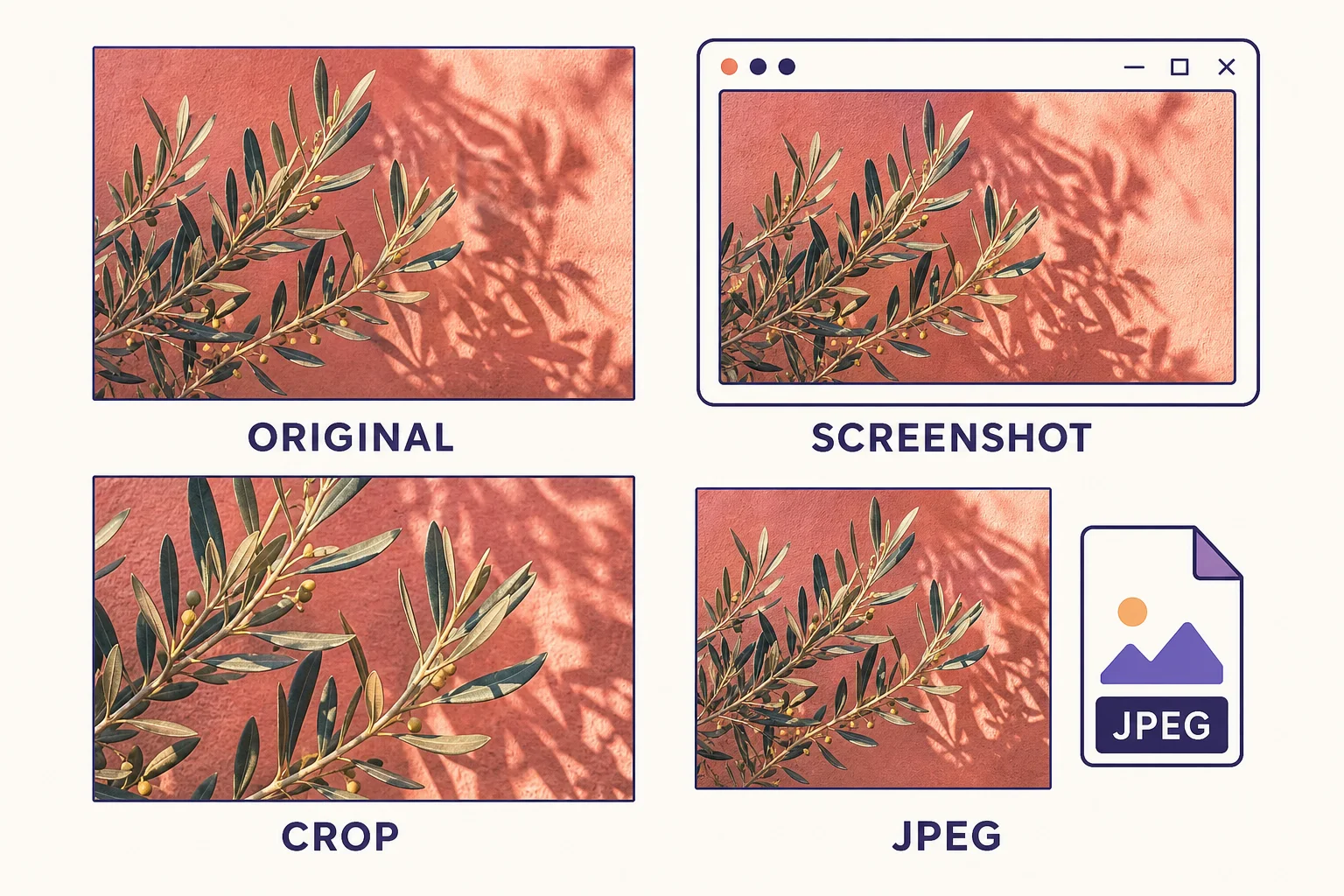
On November 18, 2026, we generated one 1536 × 1024 WebP with OpenAI’s gpt-image-2 API. It’s the flower image at the top of this article. We kept the original as a positive control, made three copies directly from it, and submitted each file separately to the same OpenAI Content Provenance API. This verifier checks for supported OpenAI signals and reports SynthID and C2PA separately.
| File | How we made it | SynthID | C2PA |
|---|---|---|---|
| Original WebP | Direct API output at 1536 × 1024 | Detected | Detected, trusted |
| Screenshot PNG | Captured the whole rendered image in Chrome at 1024 × 683, device scale 1 | Detected | No manifest present |
| Center crop PNG | Kept the center 1152 × 768 pixels from the original, with no resize | Detected | No manifest present |
| JPEG export | Pillow quality 80 with 4:2:0 chroma subsampling, 1536 × 1024 | Detected | No manifest present |
The three copies still returned a SynthID detection after their C2PA manifests were gone. Those results apply to this image and these settings. Different captures, crops, or exports can give different readings.
What screenshots, crops, and JPEG exports change
Each operation changes the file in a different way. DeepMind designed SynthID to withstand common modifications, including cropping and lossy compression. Its technical introduction specifically discusses JPEG and explains how pixel-based watermark detection can still work after the file's original metadata is lost. DeepMind's SynthID overview · DeepMind's image watermarking introduction
| Version | What changes | What to keep in mind |
|---|---|---|
| Screenshot | Captures the image as it was rendered on the screen | Display scale can change the sampled image. Browser controls, margins, and nearby images can also end up in the capture. |
| Crop | Keeps only a selected region of the source | Trimming the interface from a screenshot preserves the image area. Cropping into the image itself discards part of that area. |
| JPEG export | Re-encodes the image using lossy compression | Pixel values can change even if the width and height stay the same. A .jpg extension alone tells you little about what happened to the image. |
The visible Gemini sparkle and the invisible SynthID signal are separate. If the sparkle is outside the captured area, the image you kept can still carry SynthID.
How to compare the original and three copies
Start with a direct download and choose a detector that covers its source. Use Gemini for an image generated by Google AI. For supported OpenAI images, use OpenAI’s public verifier or its Content Provenance API. Confirm that the detector finds SynthID in the original before interpreting the results from the other copies.
- Original. Keep the downloaded file in its native format. Use that same file as the source for the three variants below.
- Screenshot. Open the original by itself at a known zoom. Use your operating system's region capture to include the whole image, with its edges as the capture boundary. Save it as PNG if your capture tool offers that option.
- Crop. Open the original in an editor and crop into the image. Save the selected region as PNG at its cropped dimensions, without resizing it. Record which part of the image you kept.
- JPEG. Export a fresh copy of the original as JPEG. Keep the original dimensions, record the encoder's quality setting, and skip filters and other edits.
Conceptual illustration of the four files to compare.
Upload the original first and use the same detector for all four files. If you use Gemini, open a fresh chat for each file and ask, “Check this image for a SynthID watermark from Google AI.” Save the exact response for each file along with its dimensions and format. Our guide to checking an image for SynthID walks through the verification options and what the response can tell you.
How to read the results
Look for the part of the response that explicitly reports the SynthID check. Gemini can also describe other evidence, including Content Credentials, so record what it says about the watermark for each upload. A detection in Gemini attributes at least some of the image to creation or editing by Google AI. Google also describes cases where verification can be unclear, such as a minor AI edit or a very simple image. Gemini Apps Help on verification results
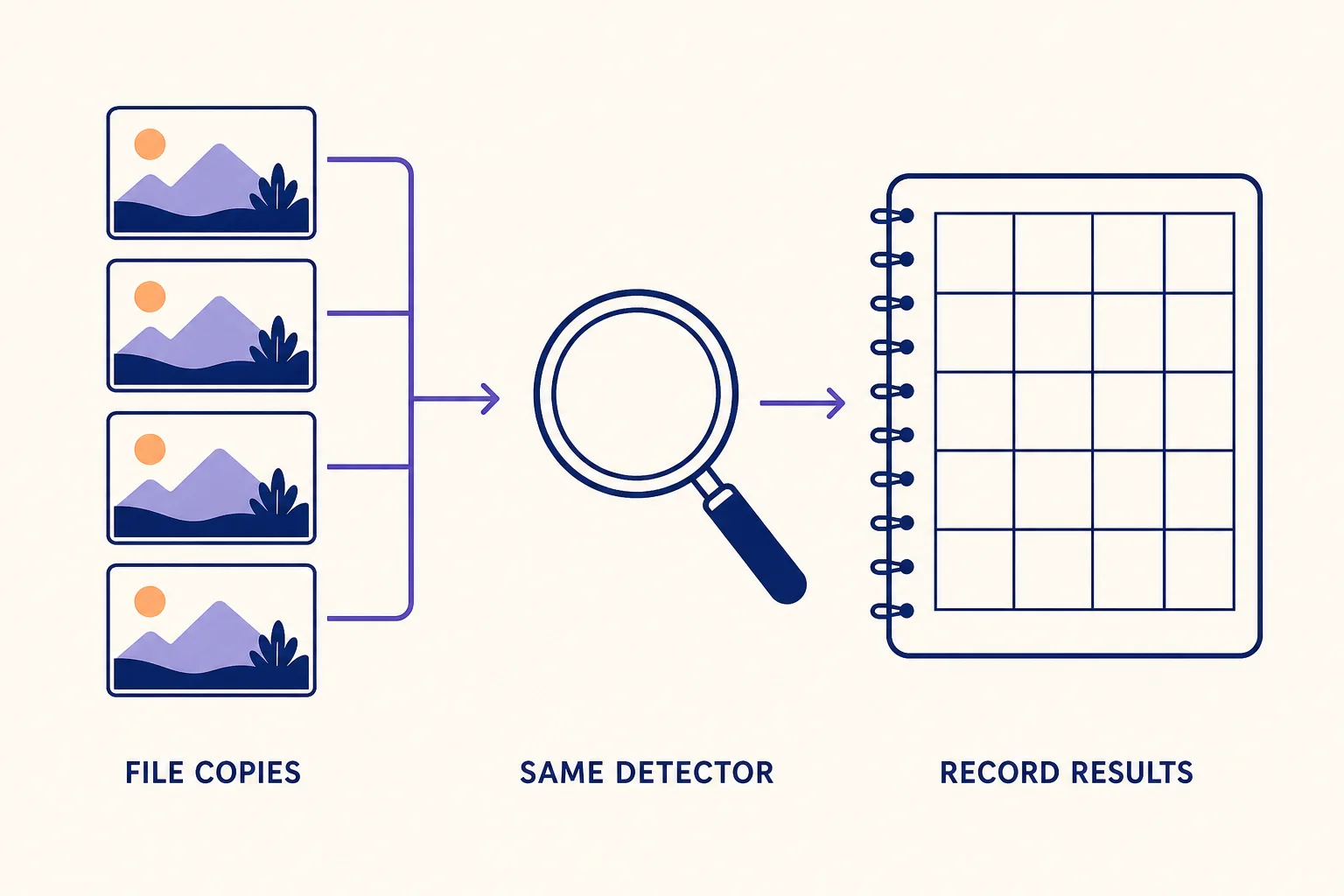
Conceptual illustration of where to record each response.
| What the detector reports | What you can conclude |
|---|---|
| Original and screenshot both detected | SynthID was detectable in that particular capture. You can make the same comparison for the crop and JPEG separately. |
| Original detected, a copy shows no detection | Record the result for that specific copy. The positive original still provides evidence of the source’s AI involvement. |
| Original shows no detection or is inconclusive | The comparison lacks a positive baseline. Start again with a fresh original the detector can verify, or keep the comparison inconclusive. |
If a screenshot is all you have, Google recommends isolating the one image before checking it. If you can get the original later, check it as a separate upload. For an image you have permission to edit, you can use Redol’s SynthID image tool to preview the processed copy alongside the original. Use the same verification check on both files if you need a before-and-after reading.
Related posts
About the Author
Zhang Guo
AI Product Manager · Digital Marketing Consultant
AI product manager and digital marketing consultant with a background in music. I see creativity as the bridge between rhythm and logic, where musical intuition and mathematical precision can coexist in every meaningful product decision.
Follow on X