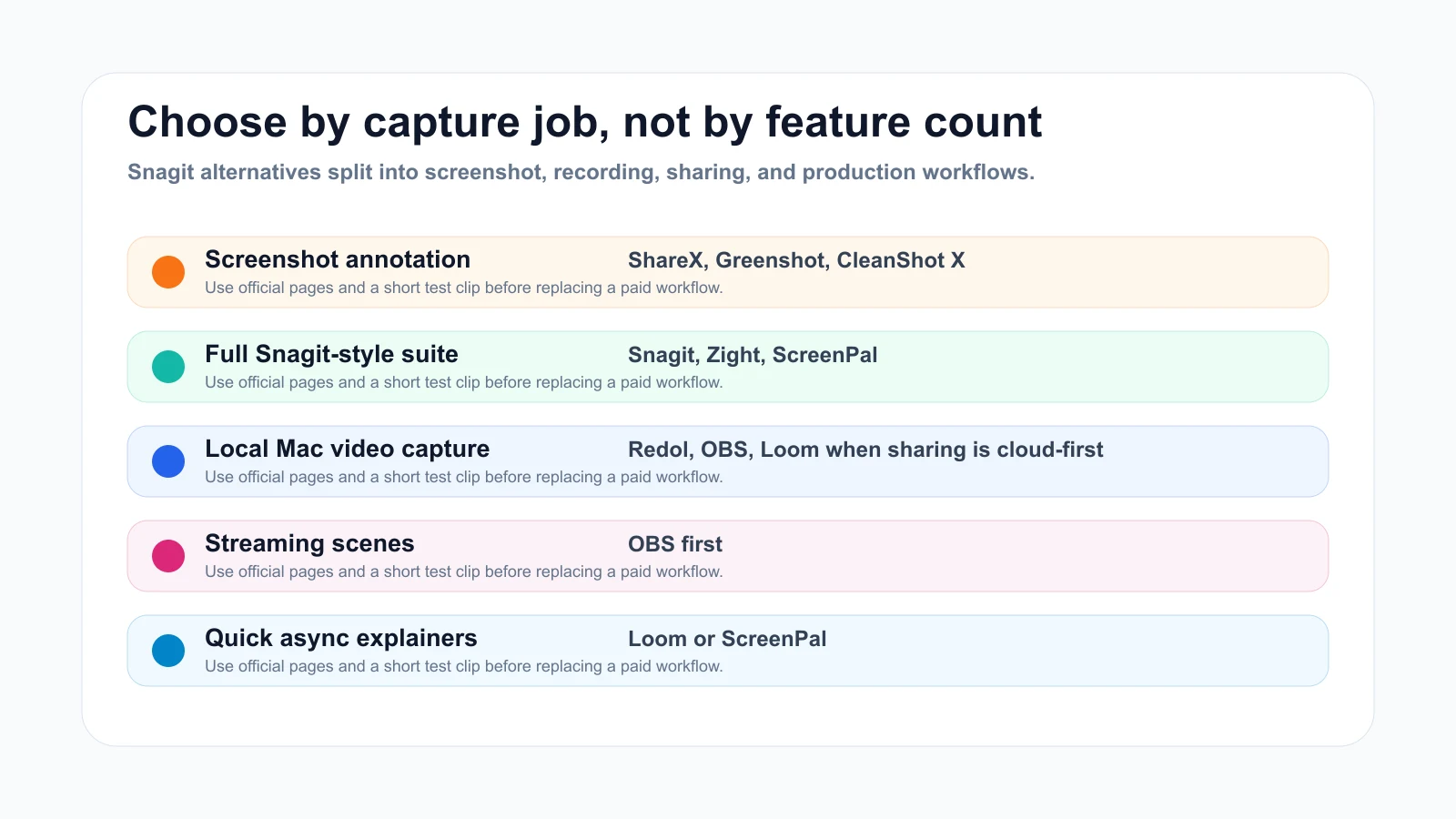
If you are searching for the best Snagit alternatives, start with the job Snagit has been doing for you. Some teams need screenshot annotation and scrolling capture. Some need screen recording with webcam and narration. Some need fast async video links. Some only need a private local Mac recorder that exports clean MP4s without watermark cleanup.
The short answer: choose ShareX or Greenshot when the job is mainly screenshots on Windows, CleanShot X when the job is Mac screenshot capture plus annotation, ScreenPal or Loom when sharing and lightweight recording matter, OBS when recording control matters more than screenshot annotation, and Redol when the job is a local Mac screen recording with system audio, mic narration, webcam overlay, crop controls, zooms, cursor clarity, and local no-watermark export.
Quick Comparison
| Alternative | Best for | Platform fit | Strongest reason to choose it | Watch out for |
|---|---|---|---|---|
| Redol Screen Recorder | Local Mac tutorials, product demos, support clips, and course recordings | macOS now; Windows planned | Private local MP4 recording with system audio, mic, webcam overlay, zooms, crop, cursor emphasis, and no watermark | Not a Snagit-style screenshot annotation suite |
| ShareX | Windows screenshots, screen recording, GIFs, and automation | Windows | Free open-source capture utility with upload and workflow options | Dense interface for simple recording jobs |
| Greenshot | Lightweight screenshot capture and annotation | Screenshot-focused | Simple productivity screenshot tool | Not a broad video-recording suite |
| ScreenPal | Fast screen recording with narration and webcam | Windows, Mac, and mobile from its public page | Free recorder positioning with narration and webcam support | Verify plan limits and export needs |
| OBS Studio | Advanced video recording, scenes, and live production | Windows, macOS, and Linux | Free open-source video recording and livestream control | Not built around screenshot markup |
| Loom | Async video messages and link-based handoff | Browser and apps | Easy record, edit, annotate, and share workflow | Cloud/account workflow may not fit private source footage |
| CleanShot X | Mac screenshots, annotation, scrolling capture, and recording | macOS | Screenshot-first Mac workflow with recording and cloud options | Paid Mac utility; not cross-platform |
| Zight | Business screenshots, GIFs, videos, and sharing | Business communication workflow | All-in-one capture and share positioning | More of a sharing system than a local-only recorder |
What You Are Replacing in Snagit
TechSmith's current public page positions Snagit as screen capture and recording software for Windows and Mac, with the page title and meta description centered on quickly getting images and videos. That matters because a good replacement may need to cover two different jobs: image capture and video recording.
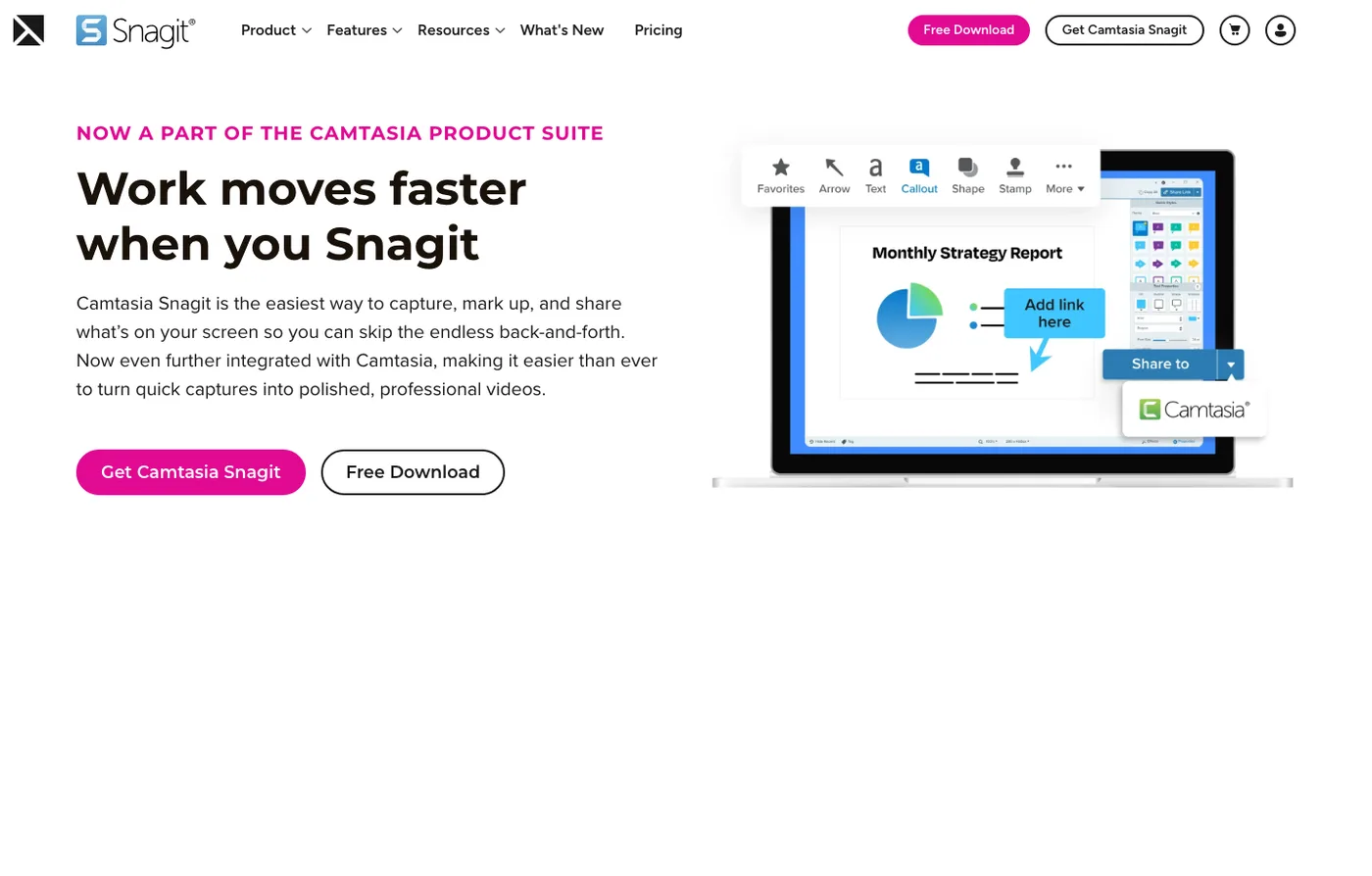
Before choosing an alternative, separate the work into four buckets:
- Screenshot workflow: capture area, scrolling page, annotation, arrows, callouts, and image export.
- Video workflow: screen, webcam, microphone, system audio, cursor emphasis, zoom, and MP4 export.
- Sharing workflow: link sharing, team comments, cloud storage, and access control.
- Operating system fit: Mac, Windows, browser, or a mixed team.
Snagit is useful because it can sit between those buckets. The mistake is assuming every alternative should do the same. Most alternatives are stronger because they specialize.
1. Redol Screen Recorder
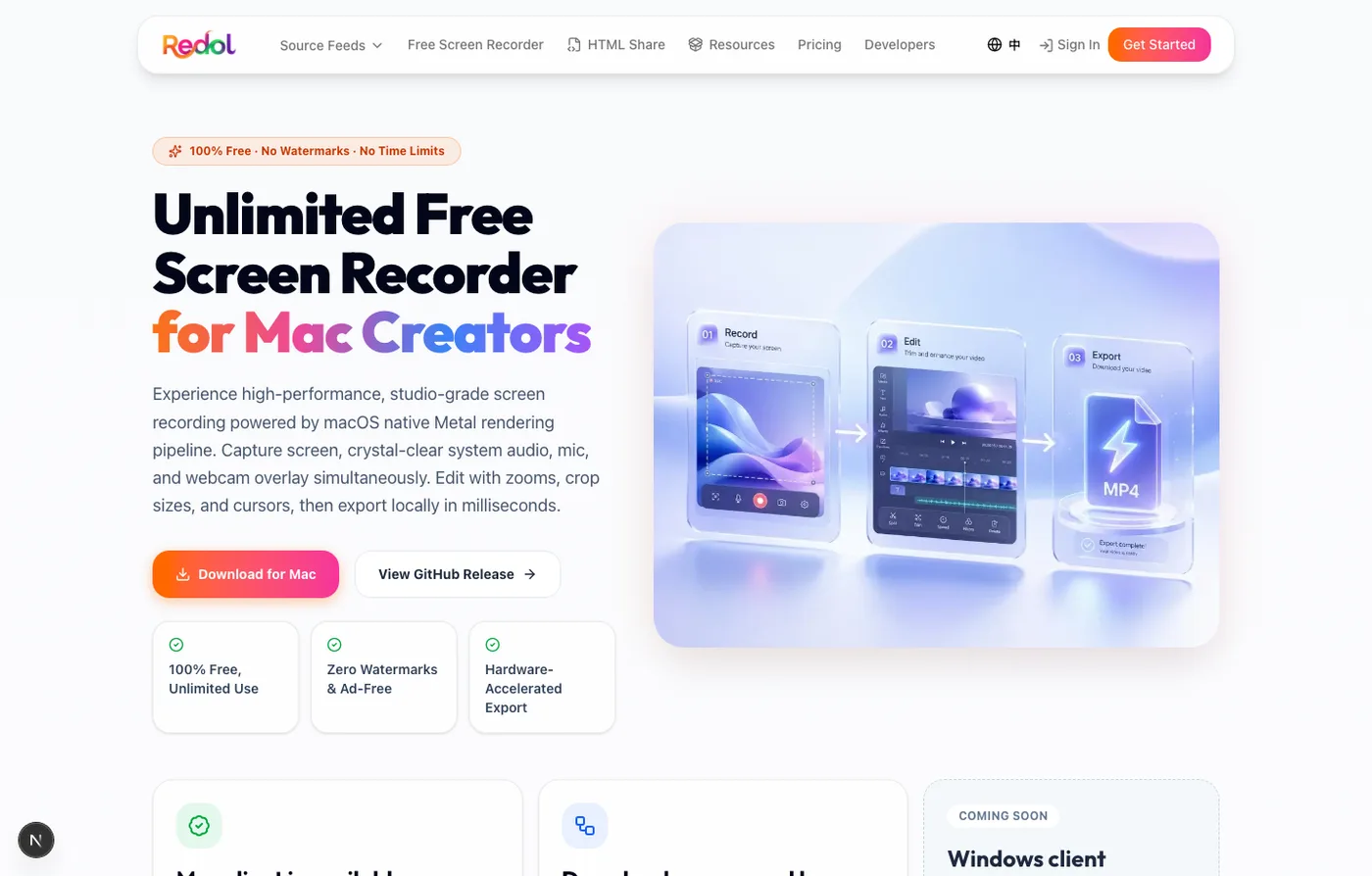
Redol Screen Recorder belongs on a Snagit alternatives list when the Snagit job is mostly video: product demos, tutorials, customer support clips, course lessons, async updates, or private Mac walkthroughs. The current Redol product route and source position it as a macOS screen recorder with no watermarks, no recording time limits, system audio loopback capture, microphone narration, webcam overlay, zooms, crop and resize controls, cursor actions, and local MP4 export. The Windows build is shown as planned, so keep this recommendation Mac-specific.
Choose Redol when:
- you need a clean local Mac recording, not a screenshot markup suite
- your footage should stay local until you decide where it goes
- system audio, mic narration, and webcam overlay matter
- watermark-free MP4 export matters
- crop, zoom, and cursor clarity matter more than deep screenshot annotation
Do not choose Redol as a full Snagit replacement when your team depends on scrolling screenshot capture, image callouts, screenshot libraries, or image-heavy documentation workflows. Use Redol where the video workflow fit is real.
Record clean Mac demos without watermark cleanup
Use Redol Screen Recorder for local MP4 exports with system audio, microphone narration, webcam overlay, zooms, crop controls, and cursor clarity.
2. ShareX
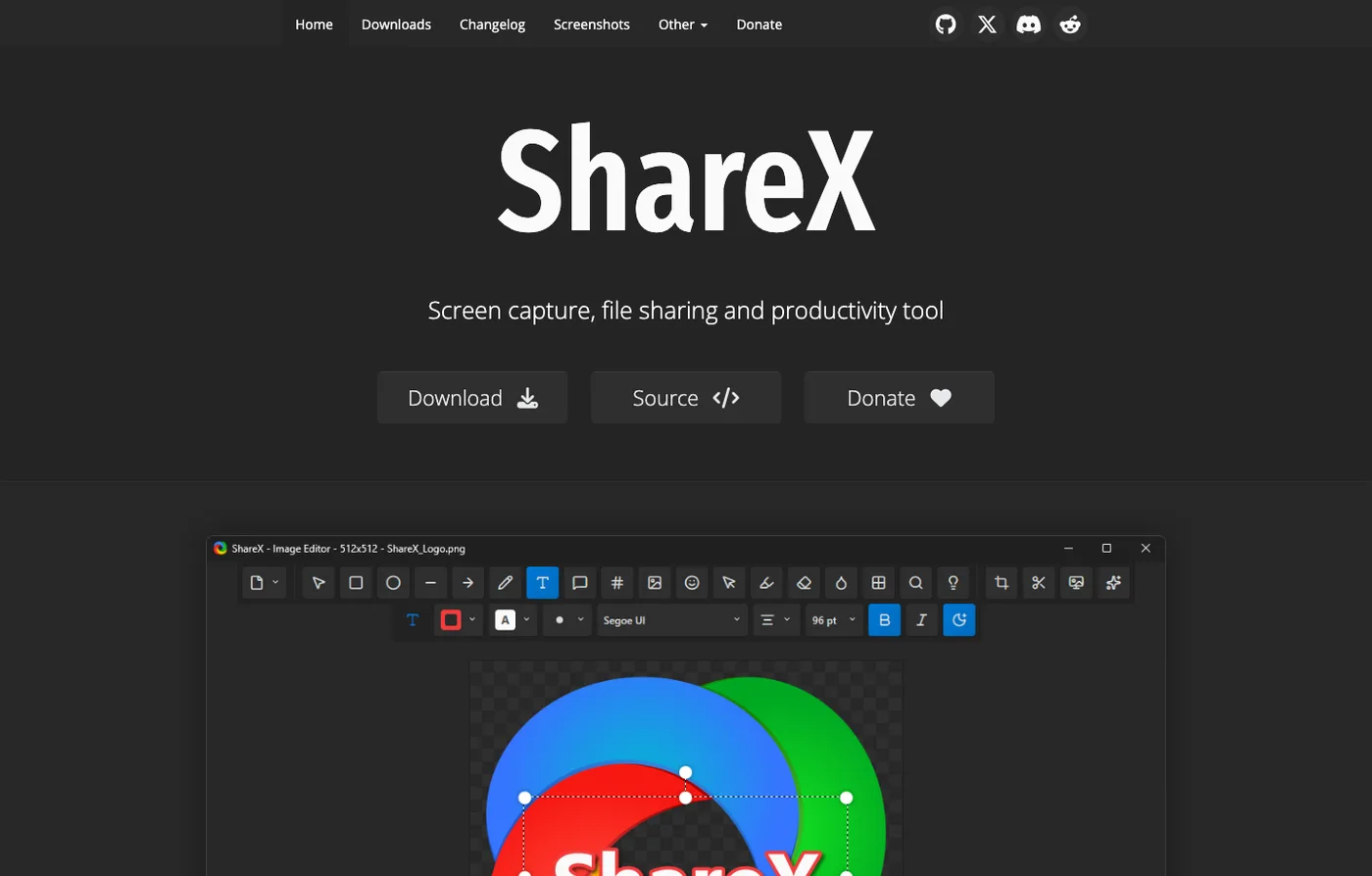
ShareX is the clearest free Windows-first Snagit alternative when screenshots, GIFs, capture automation, and power-user workflows matter. Its current public page describes it as a free and open-source program for capturing or recording any area of your screen and sharing it with a key press.
Choose ShareX when:
- your team is Windows-first
- screenshots and annotations matter as much as video
- GIF capture, OCR, upload destinations, or post-capture automation matter
- you want an open-source utility instead of a commercial screenshot suite
Avoid ShareX when the reader just needs a simple Mac screen recording. ShareX is powerful, but it can feel like a toolbox when the job is one clean tutorial video.
3. Greenshot
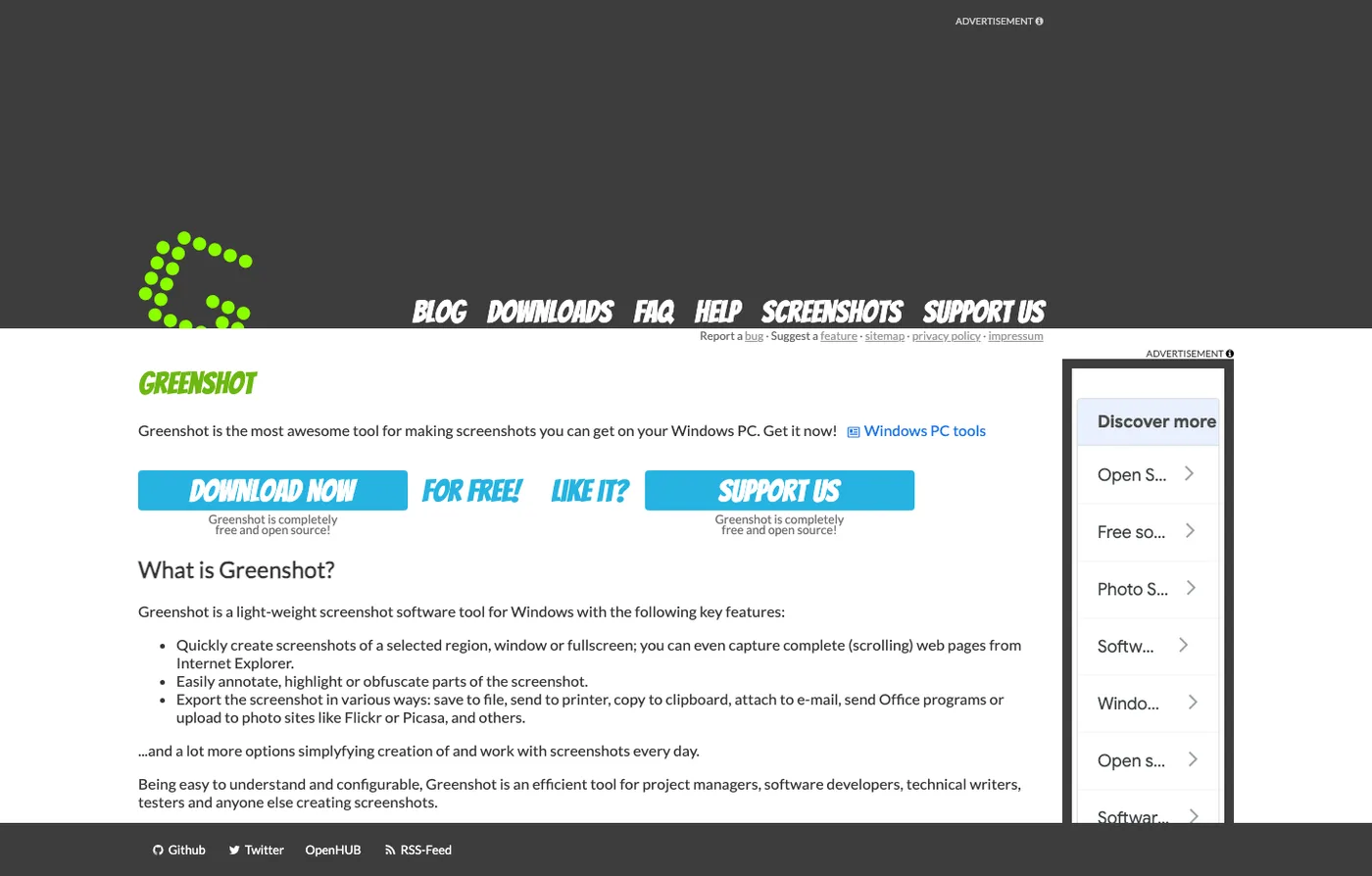
Greenshot is better framed as a lightweight screenshot alternative than a screen-recording replacement. Its official meta description calls it a free screenshot tool optimized for productivity, which makes it relevant when the Snagit job is image capture, quick annotation, and documentation handoff.
Choose Greenshot when:
- the main job is screenshot capture, not narrated video
- simple annotation and export are enough
- the team wants a lighter screenshot utility
- the workflow does not require built-in async video sharing
If your Snagit replacement needs webcam narration, system audio, or a polished local MP4 workflow, compare Redol, ScreenPal, Loom, or OBS instead.
4. ScreenPal
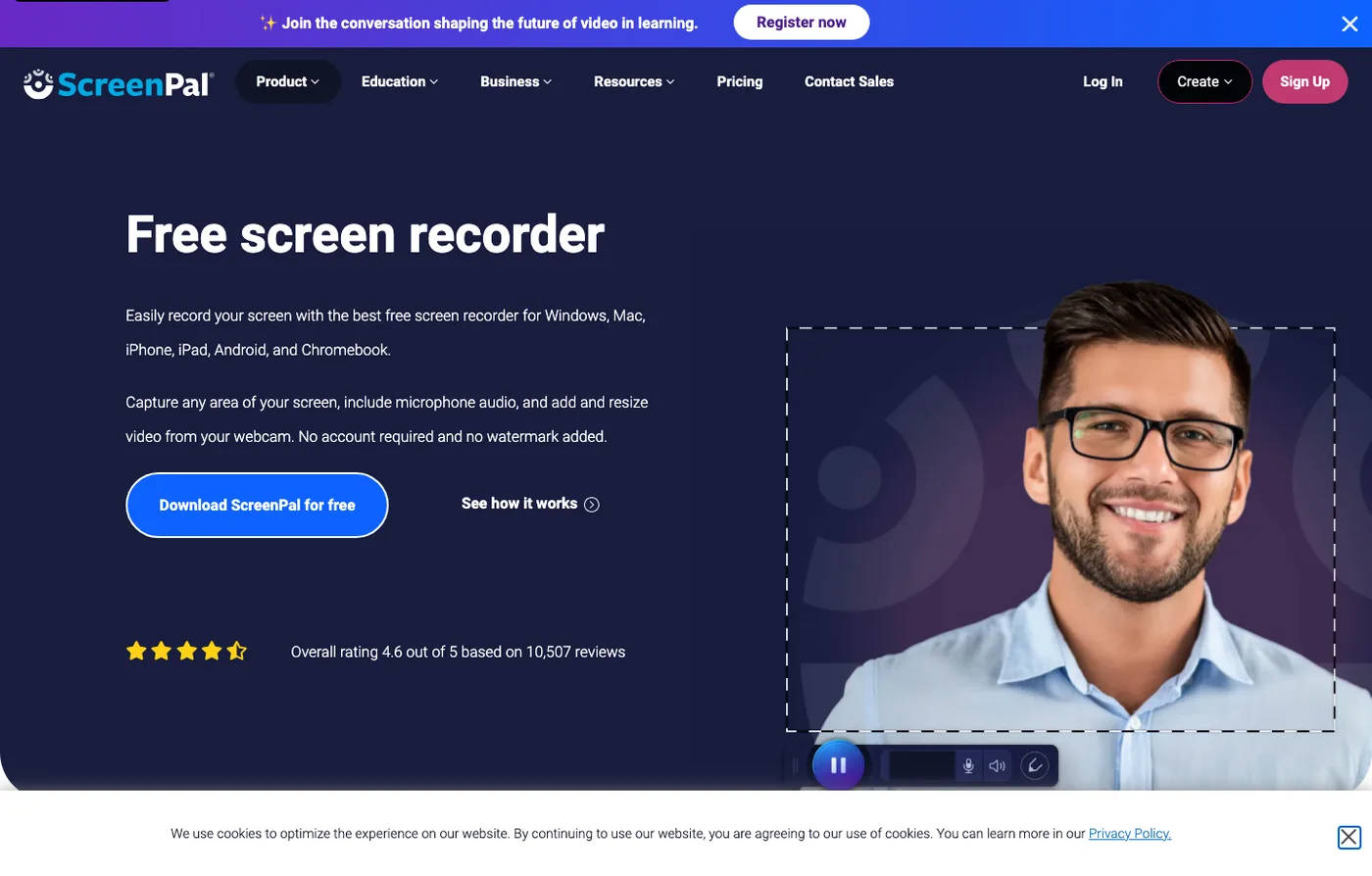
ScreenPal's screen recorder page presents a free screen recorder for Windows, Mac, and mobile, with public copy around capturing any screen area, adding narration, and using a webcam. That makes it a better Snagit alternative when the job is record-and-explain rather than annotate-and-export screenshots.
Choose ScreenPal when:
- recording speed matters more than local-only control
- you want narration and webcam in a simple workflow
- your team needs broad platform coverage
- lightweight editing and sharing are part of the job
Verify current plan limits, export behavior, and account requirements before using it for long recordings or client-facing deliverables.
5. OBS Studio
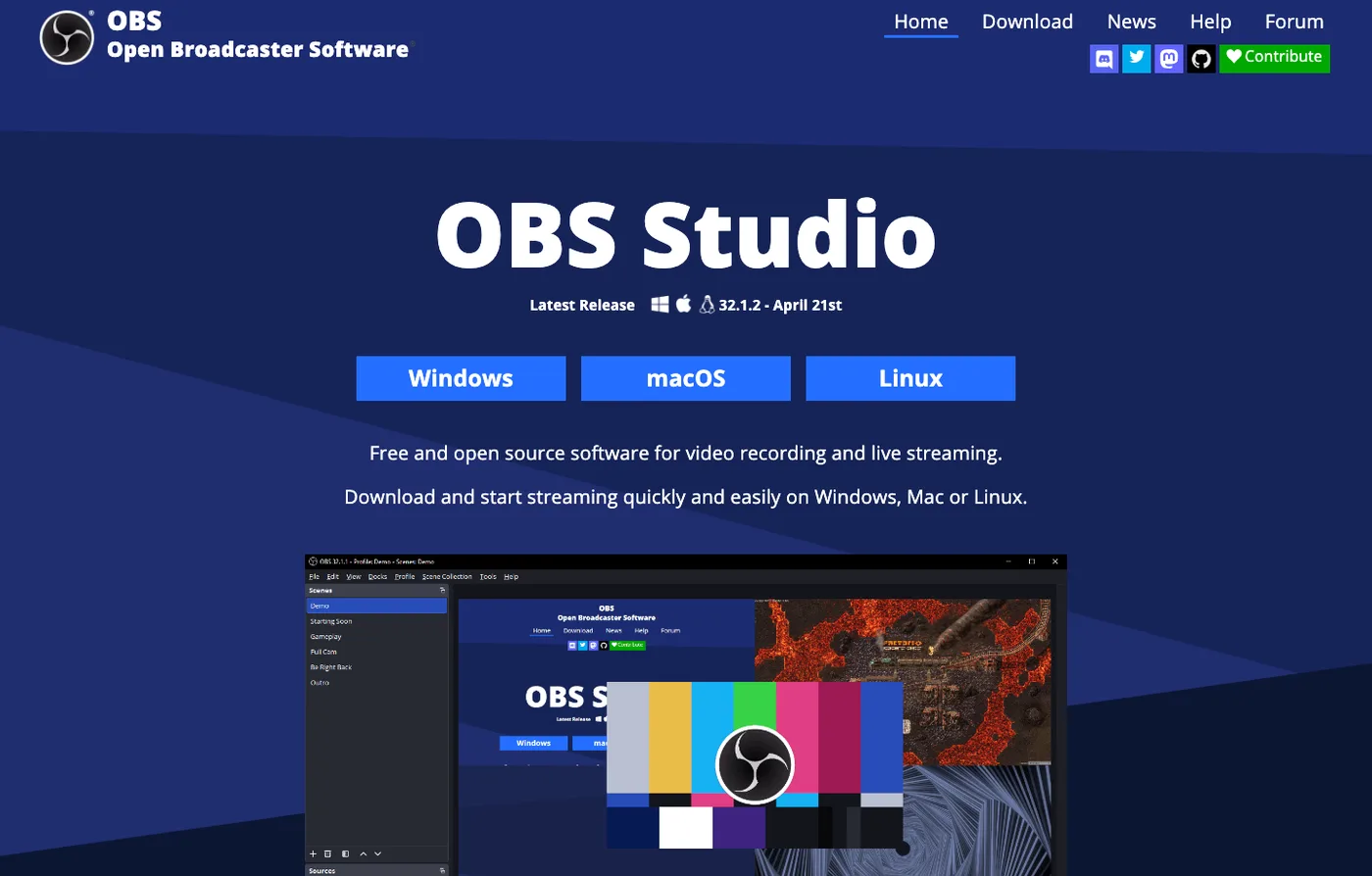
OBS Studio is not a Snagit clone. It is free and open-source software for video recording and live streaming. Use it when the reason you are leaving Snagit is that you need more recording control, not more screenshot annotation.
OBS is strongest when you need:
- scenes, sources, overlays, and reusable layouts
- livestreaming and recording in the same setup
- audio mixer control, filters, or several inputs
- plugins, virtual cameras, or encoder control
- a free open-source production surface
OBS is weaker when the job is quick documentation screenshots. If you need arrows and callouts on still images, use a screenshot-first tool. If you need a simple Mac MP4, compare Redol before building a full OBS scene system. For a deeper production map, see Redol's best OBS alternatives guide.
6. Loom
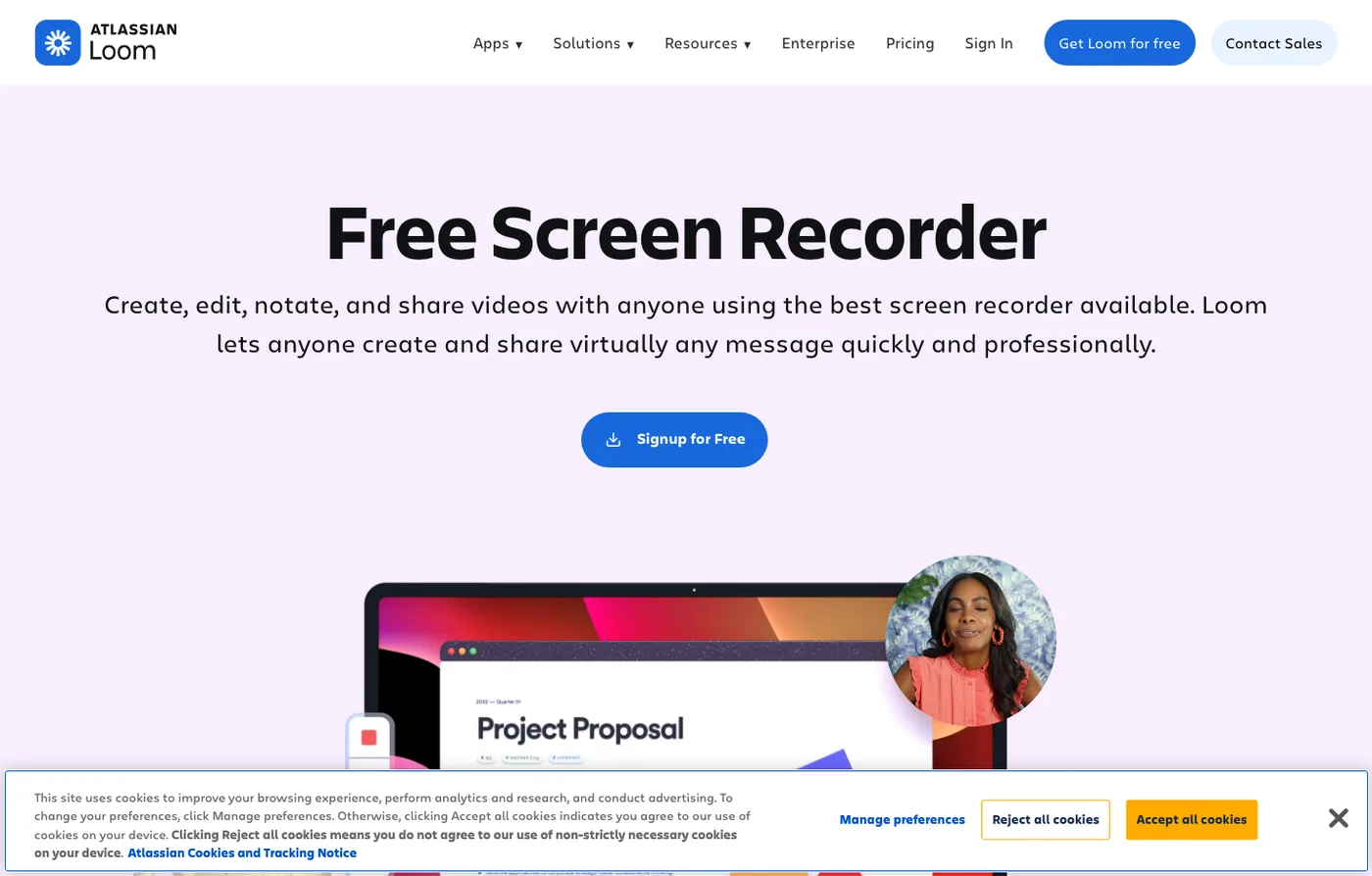
Loom's screen recorder page frames the product around free screen recording, editing, annotation, and sharing. It is a practical Snagit alternative when the output is a link someone can watch, not a local image or video file you need to manage manually.
Choose Loom when:
- the real job is async communication
- a shareable link is more useful than a local file
- quick editing and annotations are enough
- your team already works inside a Loom-style handoff
Use something else when private source footage should stay local by default. In that case, Redol or OBS gives you more local control before anything is uploaded.
7. CleanShot X
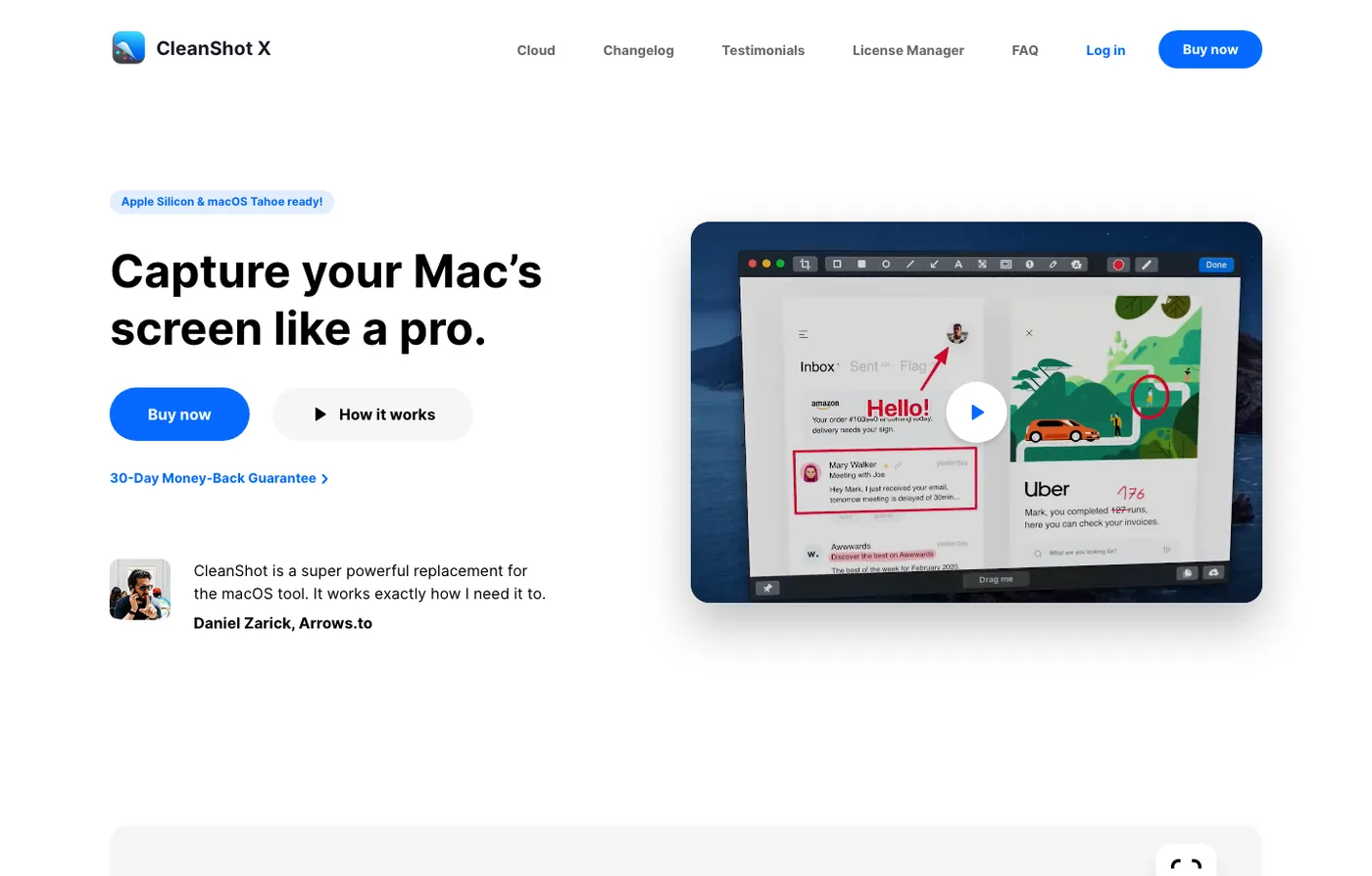
CleanShot X is one of the most direct Snagit alternatives for Mac users who care about screenshot work. Its public page positions it as a Mac screenshot and screen-recording app with annotation, cloud uploading, scrolling capture, and more.
Choose CleanShot X when:
- Mac screenshot capture is the center of the workflow
- scrolling capture and annotations matter
- you want screenshot and short recording utilities in one Mac app
- cloud upload fits your team process
Choose Redol instead when the task is not screenshot documentation but a repeatable local Mac video recording with system audio, webcam overlay, zooms, cursor emphasis, and no-watermark MP4 export.
8. Zight
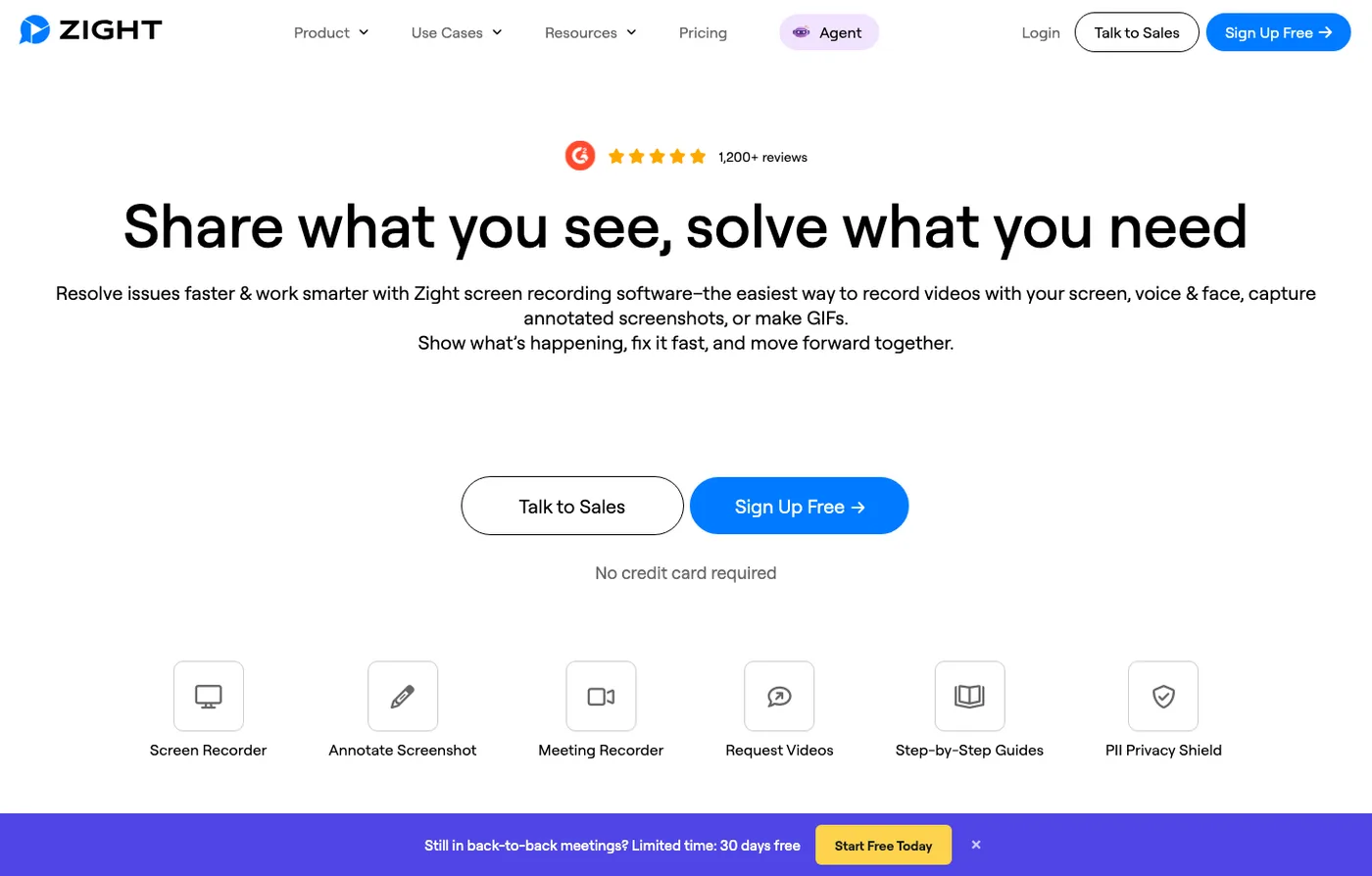
Zight positions itself as screen recording software for creating, editing, and sharing videos, screenshots, and GIFs for business. That makes it a Snagit alternative when communication and sharing are as important as capture.
Choose Zight when:
- the workflow is team communication, not only local capture
- screenshots, GIFs, and videos need to become shareable business artifacts
- cloud handoff and collaboration matter
- your team wants a capture-and-share system rather than a standalone recorder
Use a local recorder instead when the content is sensitive, unreleased, or easier to manage as a local MP4 before publishing.
Replacement Checklist
Run this checklist before replacing Snagit in a real documentation or video workflow.
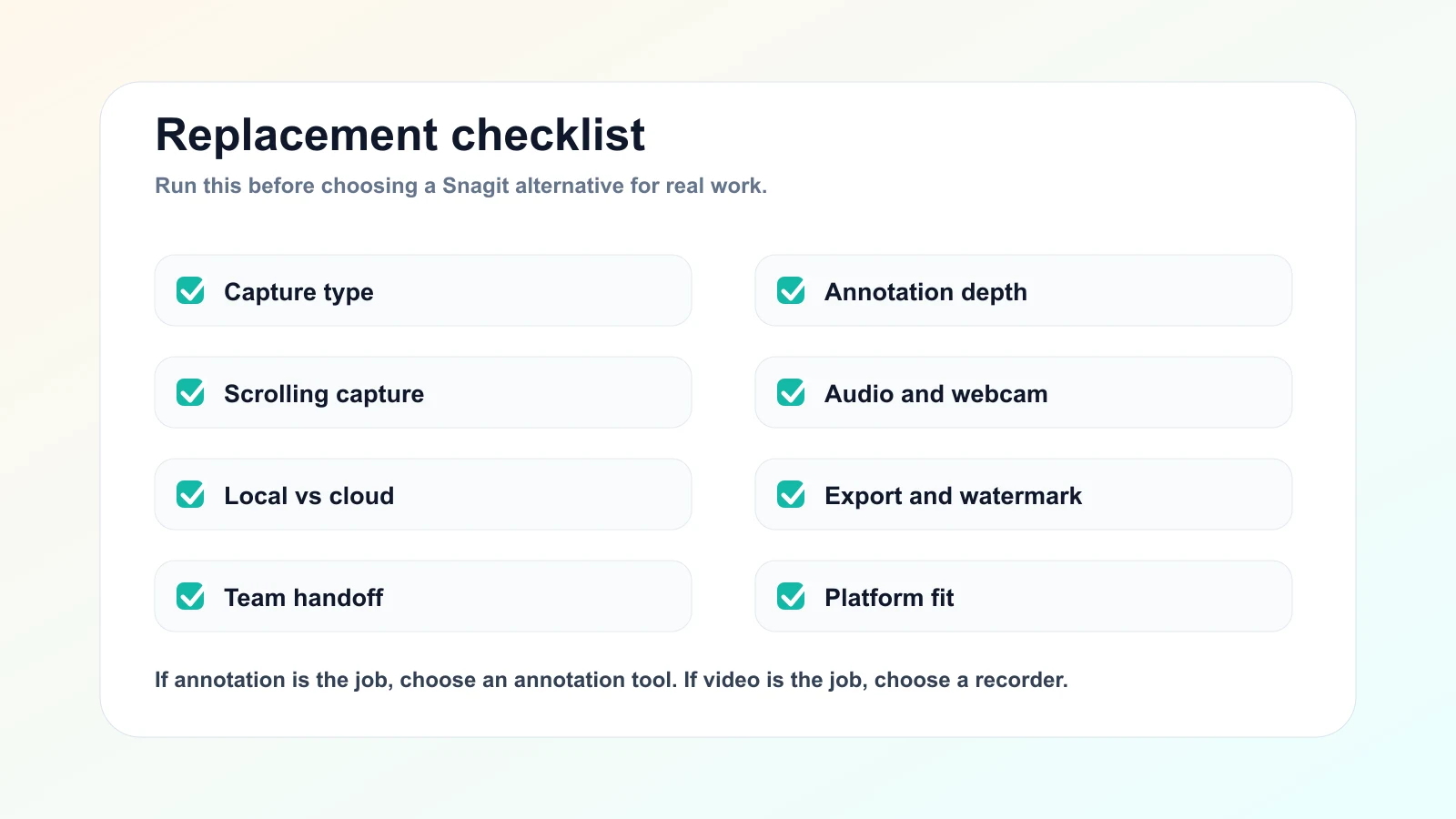
- Capture type: still image, scrolling page, screen video, webcam, GIF, or all of the above.
- Annotation depth: arrows, blur, callouts, step numbers, templates, or simple markup.
- Audio and webcam: microphone, system audio, webcam overlay, and test playback.
- Local vs cloud: decide whether raw footage can upload immediately or must stay local.
- Export rules: image formats, MP4, GIF, watermark, resolution, length, and trial limits.
- Team handoff: local file, cloud link, comments, knowledge base, or editor timeline.
- Platform fit: Mac, Windows, browser, mobile, or mixed team.
Final Recommendation
The best Snagit alternative depends on whether Snagit was your screenshot tool, your recorder, or your sharing layer.
Use ShareX or Greenshot for screenshot-first Windows workflows. Use CleanShot X for Mac screenshot capture and annotation. Use ScreenPal or Loom when the job is fast screen recording plus sharing. Use OBS when you need production control. Use Zight when business communication and cloud handoff are central.
Use Redol when the actual job is a private Mac screen recording: product demos, tutorials, support answers, course lessons, and async updates that need system audio, mic narration, webcam overlay, zooms, crop controls, cursor clarity, and no-watermark local MP4 export.
That fit/no-fit line is the most important part. A good Snagit replacement should make the capture job clearer, not turn every screenshot, recording, and sharing problem into one oversized tool decision.
Related posts
About the Author

Zhang Guo
AI Product Manager · Digital Marketing Consultant
AI product manager and digital marketing consultant with a background in music. I see creativity as the bridge between rhythm and logic, where musical intuition and mathematical precision can coexist in every meaningful product decision.
Follow on X