If you are searching for a FonePaw Screen Recorder review, the real question is not whether the product page lists enough recording features. It is whether FonePaw fits the kind of screen recording you need: quick desktop capture, webcam narration, system audio, tutorials, course clips, software demos, or a reusable creator workflow.
The short verdict: FonePaw is worth checking if you want a broad commercial recorder with Windows and Mac positioning. Before relying on it for important work, verify the current free-trial limits, license plan, export behavior, operating-system fit, and support path on FonePaw's official pages. If your priority is a local, no-watermark Mac recording workflow with system audio, mic narration, webcam overlay, crop controls, zooms, cursor emphasis, and MP4 export, Redol Screen Recorder is the cleaner fit.
Quick Verdict
| Review question | Public-source answer | What to check before recording |
|---|---|---|
| What is FonePaw Screen Recorder for? | Screen, webcam, and audio recording across desktop workflows | Confirm the current Windows/Mac build and exact capture modes you need |
| Who is it best for? | Users who want a conventional desktop screen recorder and are comfortable checking plan limits | Verify whether the free/trial flow matches your recording length and export needs |
| Where does it look strong? | Broad recording page, review page, store page, and support ecosystem | Treat public marketing copy as positioning, not benchmark proof |
| Where should you be careful? | Pricing, discounts, trial behavior, and export constraints can change | Check the official store page before buying or recording long projects |
| When is Redol better? | Mac creator recordings that need local export, no watermark, system audio, mic, webcam overlay, and repeatable setup | Keep it Mac-specific because Redol's current Windows client is planned, not live |
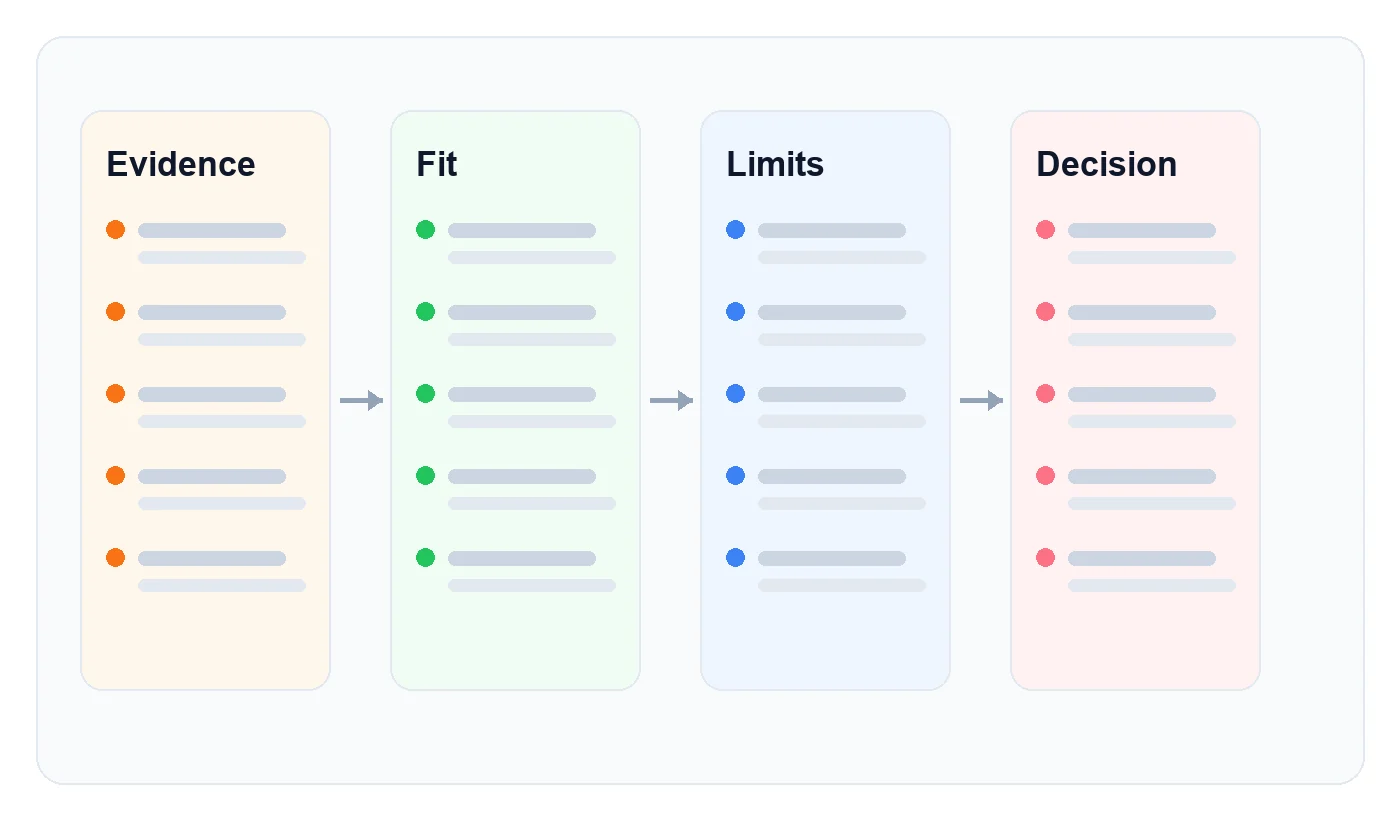
Review Method and Official Sources
This review uses FonePaw's public surfaces instead of invented testing claims. The main sources are the official FonePaw Screen Recorder reviews page, the official FonePaw Screen Recorder product page, and the official FonePaw Screen Recorder store page.
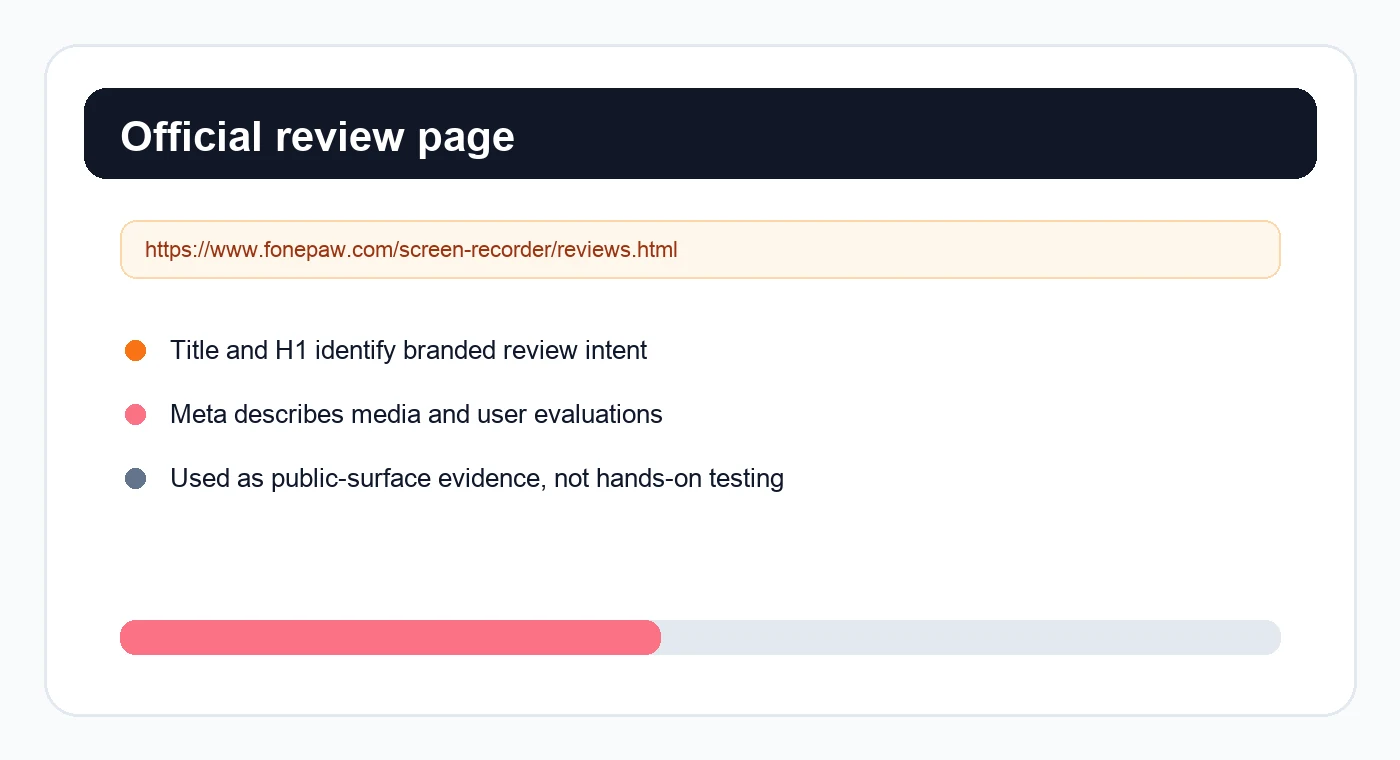
That matters because review pages for recording tools often blur three different things:
- feature positioning: what the vendor says the recorder can do
- license behavior: what the current store page allows
- workflow fit: whether the recorder helps your actual recording job
Keep those separate. A recorder can list many features and still be the wrong tool if your job needs privacy, repeatable audio setup, a webcam overlay, or a no-watermark local export every week.
What FonePaw Appears to Offer
FonePaw's current public product page positions Screen Recorder around recording screen activity with webcam and audio. The page points to common desktop recording jobs: screen video, computer system sound, voice, webcam capture, and HD-quality recording.
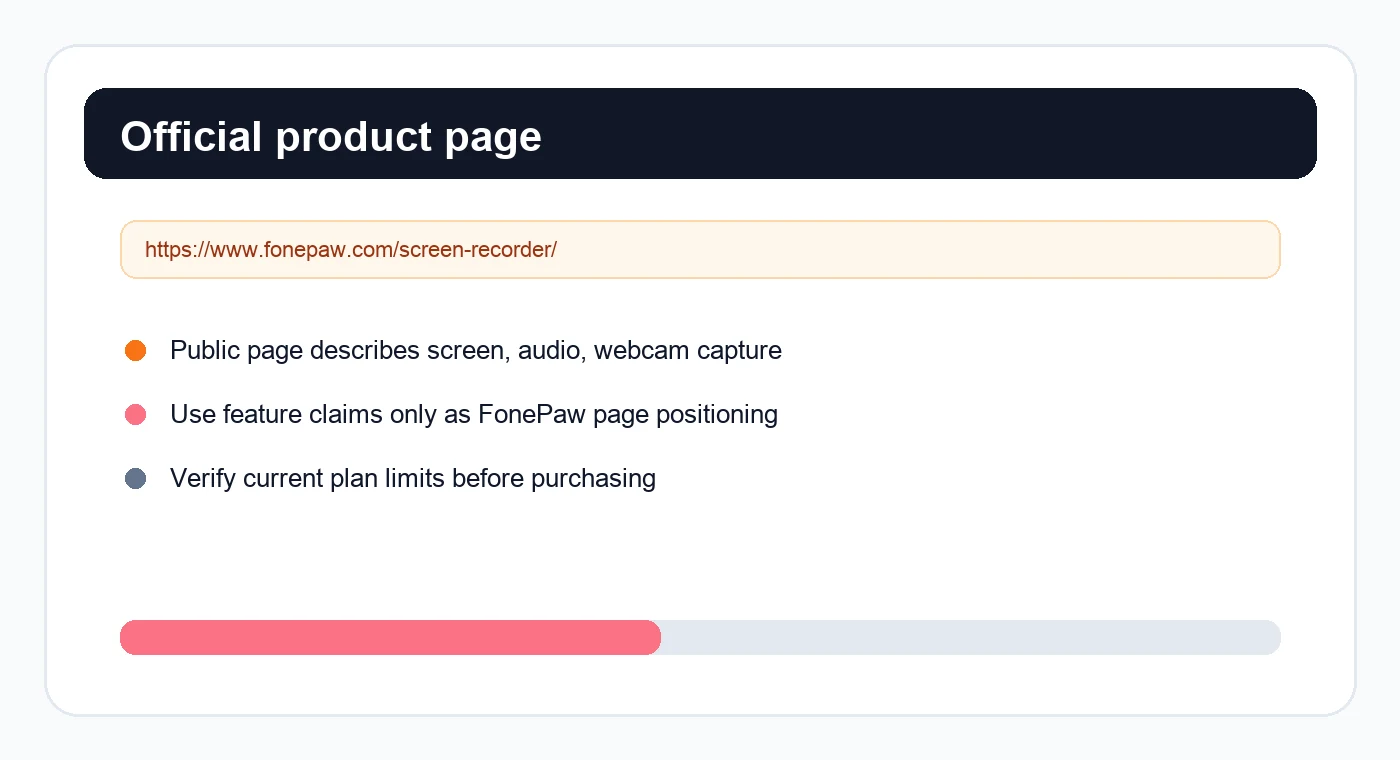
That makes FonePaw a reasonable product to inspect when you need:
- a conventional desktop screen recorder
- screen plus webcam recording
- system audio and microphone recording
- a product walkthrough, lesson, or quick tutorial
- a Windows or Mac recording option from the same vendor family
The strongest way to evaluate it is to run one small test project before committing to a longer recording. Record 60 seconds with the exact inputs you need: system audio, microphone, webcam, cursor movement, and the final export format. Then check the resulting file before recording a course, launch demo, or customer-facing walkthrough.
Pricing and Trial Checks
Do not make a screen-recorder choice from a feature list alone. The store page is part of the review because license terms, renewal behavior, discounts, device limits, and support details affect whether the tool fits repeatable work.
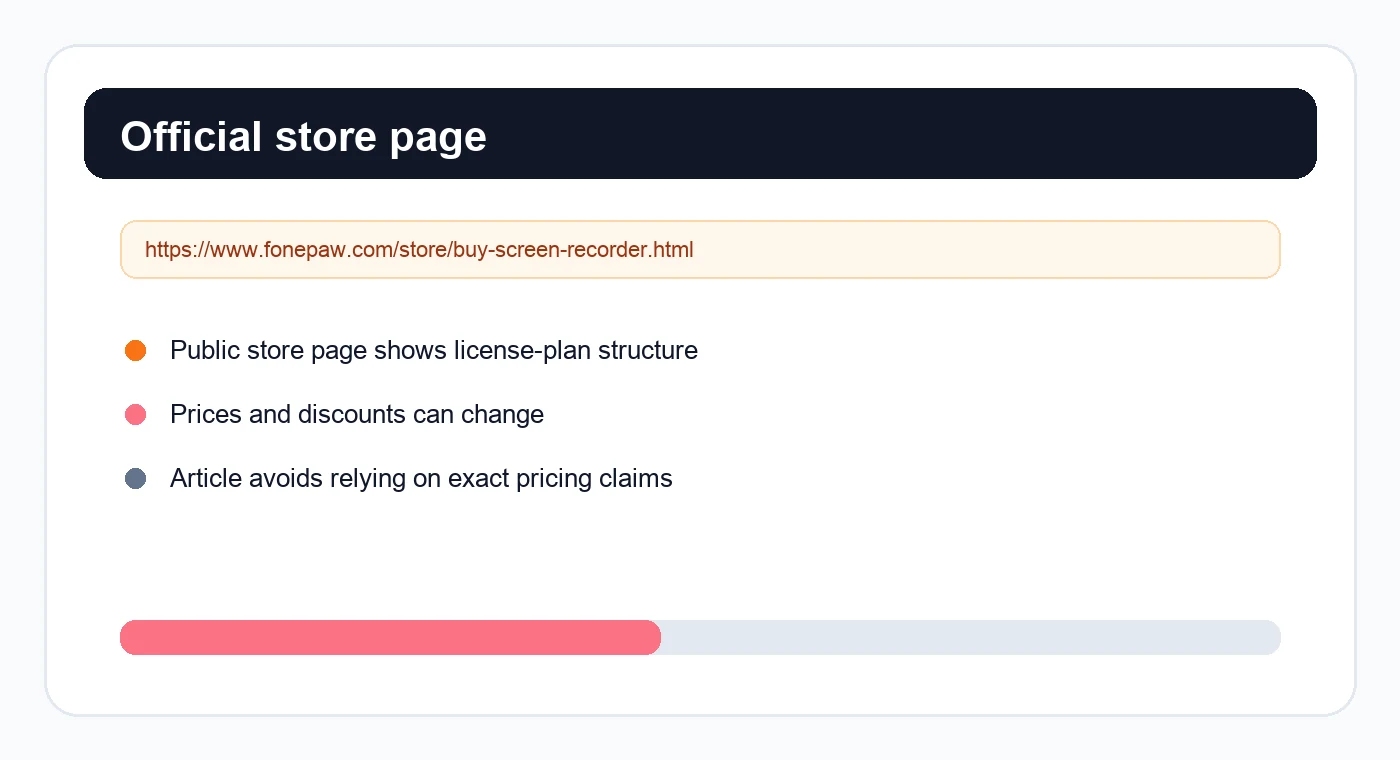
Before buying or depending on FonePaw for production recordings, check:
- Recording length: whether any trial or plan limit affects your actual session.
- Watermark/export behavior: whether the output is usable for public tutorials or client work.
- Operating-system fit: whether the current build supports your Mac or Windows version.
- Audio capture: whether system audio and mic narration work together in your setup.
- Webcam overlay: whether the position, quality, and export look right.
- Renewal terms: whether the current license renews and how cancellation works.
These are not special warnings about FonePaw. They are the normal due-diligence checks for any commercial recorder.
Where FonePaw Fits Well
FonePaw is a sensible option to evaluate when you want a broad, familiar screen recorder and you are comfortable with a commercial tool. It looks most relevant for users who want one product page for desktop capture, audio, webcam recording, screenshots, and basic tutorial creation.
It may be a good fit when:
- you need a traditional desktop recorder rather than a streaming studio
- you want Windows and Mac positioning from the same vendor
- you are comfortable checking the current license terms before recording
- your project does not require a very specific local-first Mac workflow
It is less compelling when your recording job is narrow and repeatable. For example, a Mac creator who records product demos every week may care less about a broad software suite and more about predictable capture area, audio, webcam, cursor clarity, privacy, and no-watermark MP4 export.
Limits to Check Before You Choose
The main risk with any recorder review is confusing public positioning with proven workflow fit. Treat the official pages as a starting point, then test your own recording path.
Use this checklist:
| If your recording needs... | Test this before relying on FonePaw |
|---|---|
| System audio plus microphone | Export a short clip and listen for drift, missing audio, or uneven volume |
| Webcam overlay | Confirm placement, size, and final video clarity |
| Long tutorials | Check trial, plan, and export constraints before starting |
| Software demos | Hide private data and confirm cursor/action visibility |
| Client or course content | Verify watermark, resolution, and file ownership expectations |
| Repeat weekly recording | Make sure the setup is fast enough to repeat without extra cleanup |
If the test clip passes, FonePaw may be enough. If the test clip exposes watermark concerns, plan friction, missing audio, or too much setup, switch tools before recording the full piece.
When Redol Is the Better Alternative
Redol Screen Recorder is the better fit when the job is specifically a Mac creator recording that should become a reusable local asset: a product demo, support answer, course clip, async update, software walkthrough, or tutorial.
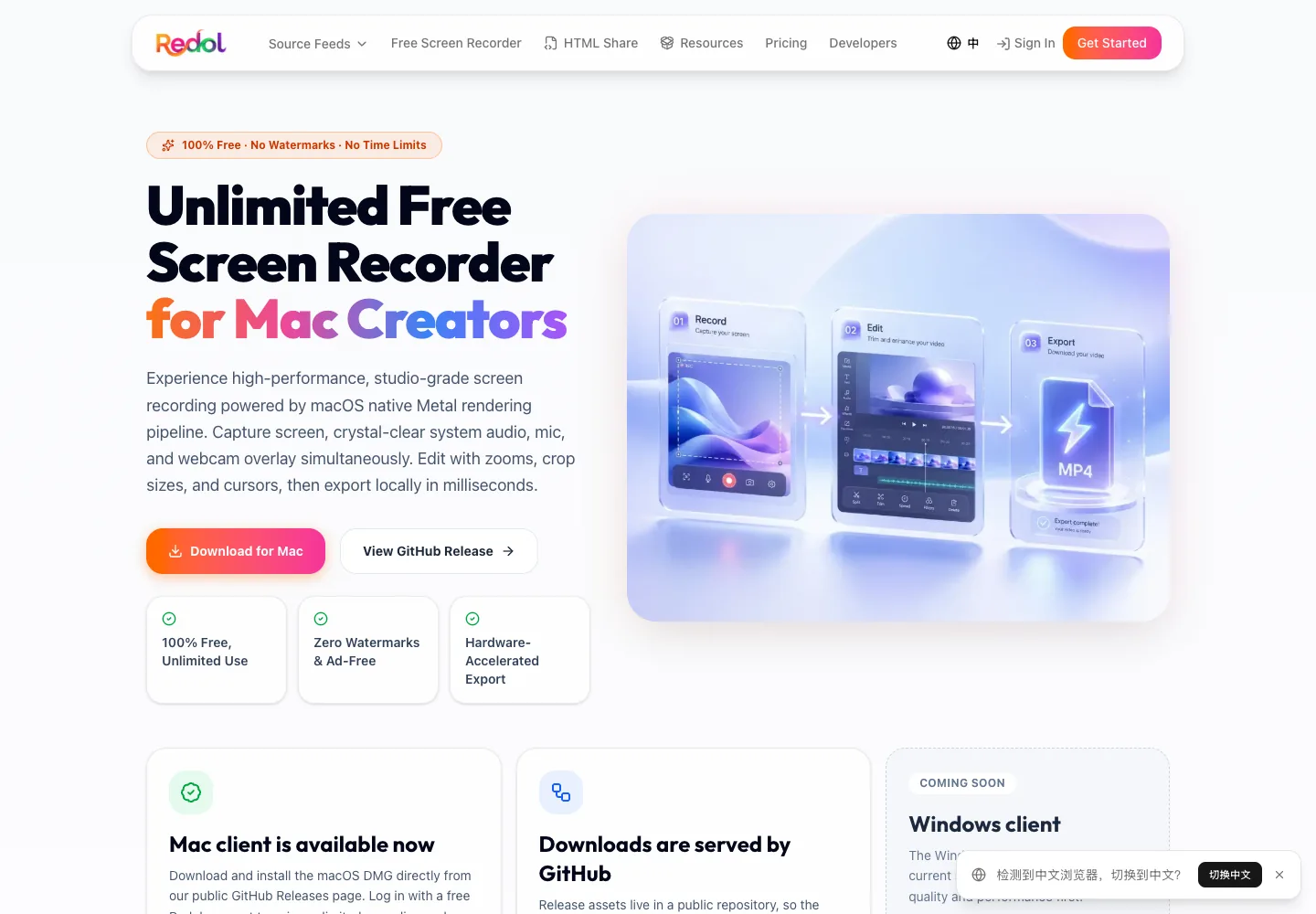
The current Redol product page and source position it as a free macOS screen recorder with no watermarks, no recording time limits, system audio, microphone narration, webcam overlay, crop and resize controls, zooms, cursor actions, and local MP4 export. The current public page also shows the Windows client as planned, so keep this recommendation Mac-specific.
Choose Redol when:
- your recording is on Mac
- you want a no-watermark local MP4
- raw footage should stay local before sharing
- system audio, mic narration, and webcam overlay matter
- crop, zoom, and cursor emphasis make the video easier to follow
- you do not want to discover plan or export friction after recording
Do not choose Redol for Windows-first work yet. The current Redol page presents Windows as planned rather than live. For Windows recording, compare the current FonePaw build, OBS, Xbox Game Bar, ShareX, and other Windows tools instead.
Record a clean local Mac video
Use Redol Screen Recorder for no-watermark Mac captures with system audio, mic narration, webcam overlay, zooms, crop controls, cursor actions, and local MP4 export.
FonePaw vs Redol
| Need | FonePaw Screen Recorder | Redol Screen Recorder |
|---|---|---|
| Broad desktop recorder | Worth evaluating from official pages | More focused on Mac creator capture |
| Mac local recording | Check current license and export behavior | Strong fit for local no-watermark MP4 workflows |
| Windows recording | FonePaw's public page positions Windows support | Windows client is planned, not live |
| Webcam plus audio | Public product page positions these features | Current Redol page positions webcam, system audio, and mic capture |
| Price certainty | Check the current FonePaw store page | Current Redol screen-recorder page positions the Mac recorder as free |
| Review confidence | Run a short test clip before buying | Run a short Mac test clip before using it for public work |
For broader tool comparison, read Redol's guide to the best screen recording software for Mac. If your top requirement is avoiding export marks, compare the best free screen recorders without watermarks.
Final Recommendation
FonePaw Screen Recorder is worth a look if you want a conventional commercial screen recorder and are willing to verify the current plan, export behavior, and OS support before committing. It is not a decision you should make from review snippets alone.
Use FonePaw if its current official pages and your own short test clip confirm the workflow you need. Use Redol if your main job is a local Mac recording with system audio, mic narration, webcam overlay, no watermark, and a clean MP4 export path.
Related posts
About the Author

Zhang Guo
AI Product Manager · Digital Marketing Consultant
AI product manager and digital marketing consultant with a background in music. I see creativity as the bridge between rhythm and logic, where musical intuition and mathematical precision can coexist in every meaningful product decision.
Follow on X