If you are searching for a Bandicam Screen Recorder review, start with the platform question. Bandicam's public homepage positions it around recording and capturing activity on a PC screen. That can be the right fit for Windows desktop capture, gameplay, tutorials, and local PC video. It is not automatically the right fit for a Mac creator who needs a lightweight, no-watermark MP4 workflow.
The short verdict: Bandicam is worth evaluating when your recording job is Windows-first, game-heavy, or tied to PC screen capture. Before relying on it, verify the current plan, watermark, recording-limit, update, and platform details on Bandicam's own pages. If your main job is local Mac recording with system audio, mic narration, webcam overlay, crop controls, zooms, cursor emphasis, and clean MP4 export, Redol Screen Recorder is the cleaner fit.
| Review question | Bandicam fit | Redol fit |
|---|---|---|
| Primary platform | PC and Windows-oriented recording | macOS recording workflow |
| Best job | Desktop capture, gameplay, PC tutorials, Windows recording | Mac product demos, tutorials, async support clips, course modules |
| Plan check | Verify current license, watermark, update, and commercial-use details | Current route presents free Mac recording with no watermark or time limit |
| Not ideal when | You need Mac-first local creator workflow guidance | You need Windows/game-specific capture today |
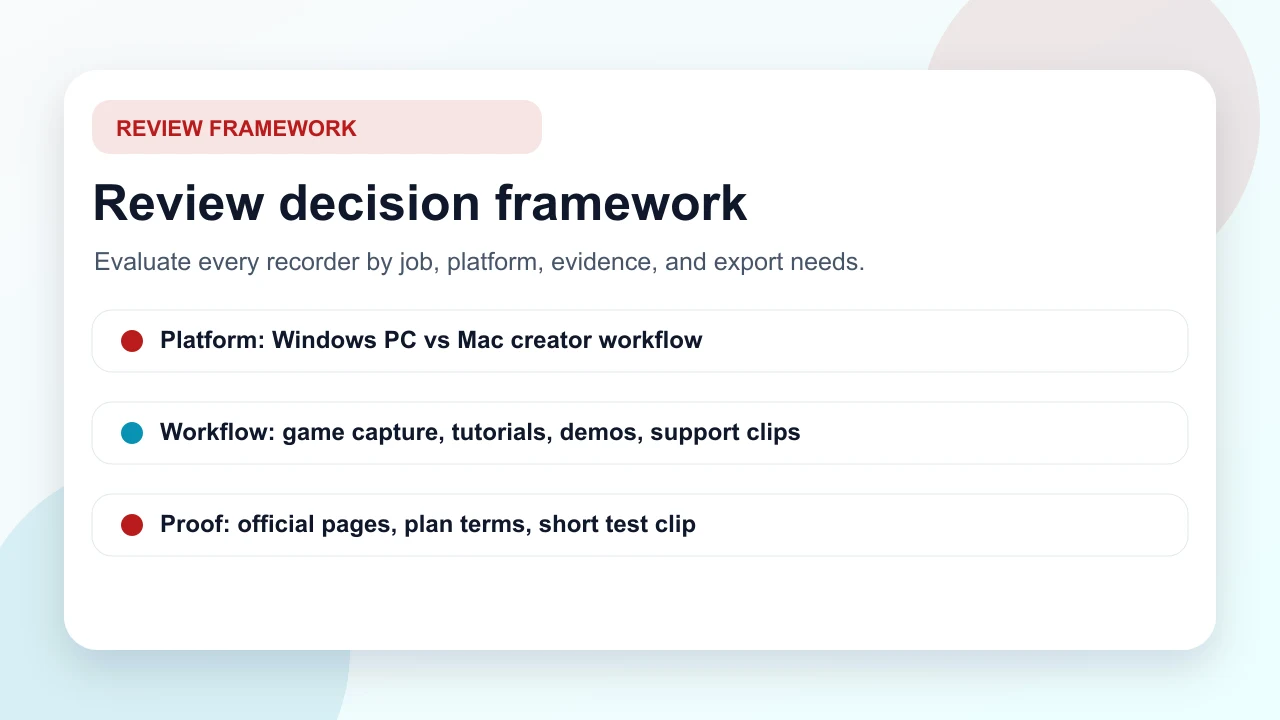
How This Review Was Sourced
This review uses public-source evidence rather than invented benchmark or hands-on claims. The main sources are the official Bandicam homepage, the official Bandicam buy page, and the competitor page that surfaced this opportunity, FonePaw's Bandicam review.
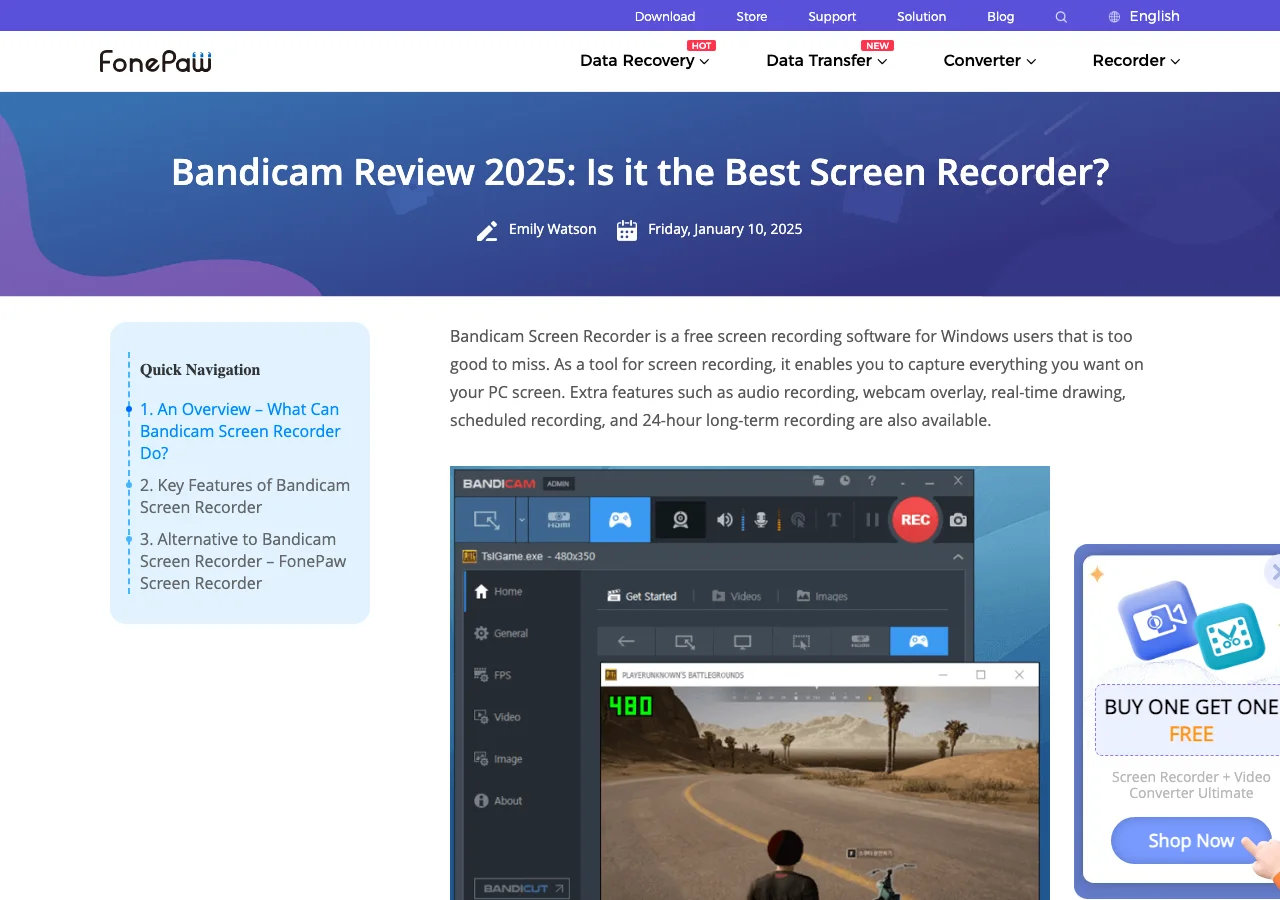
That source mix is enough to answer the searcher's real question: does Bandicam belong on your screen-recorder shortlist, and when should you choose a different workflow?
What Bandicam Appears to Offer
Bandicam's official homepage presents it as screen recording software for capturing activity on a PC screen. The visible product story emphasizes recording a selected area, capturing game activity, and producing high-quality video from a Windows PC workflow.
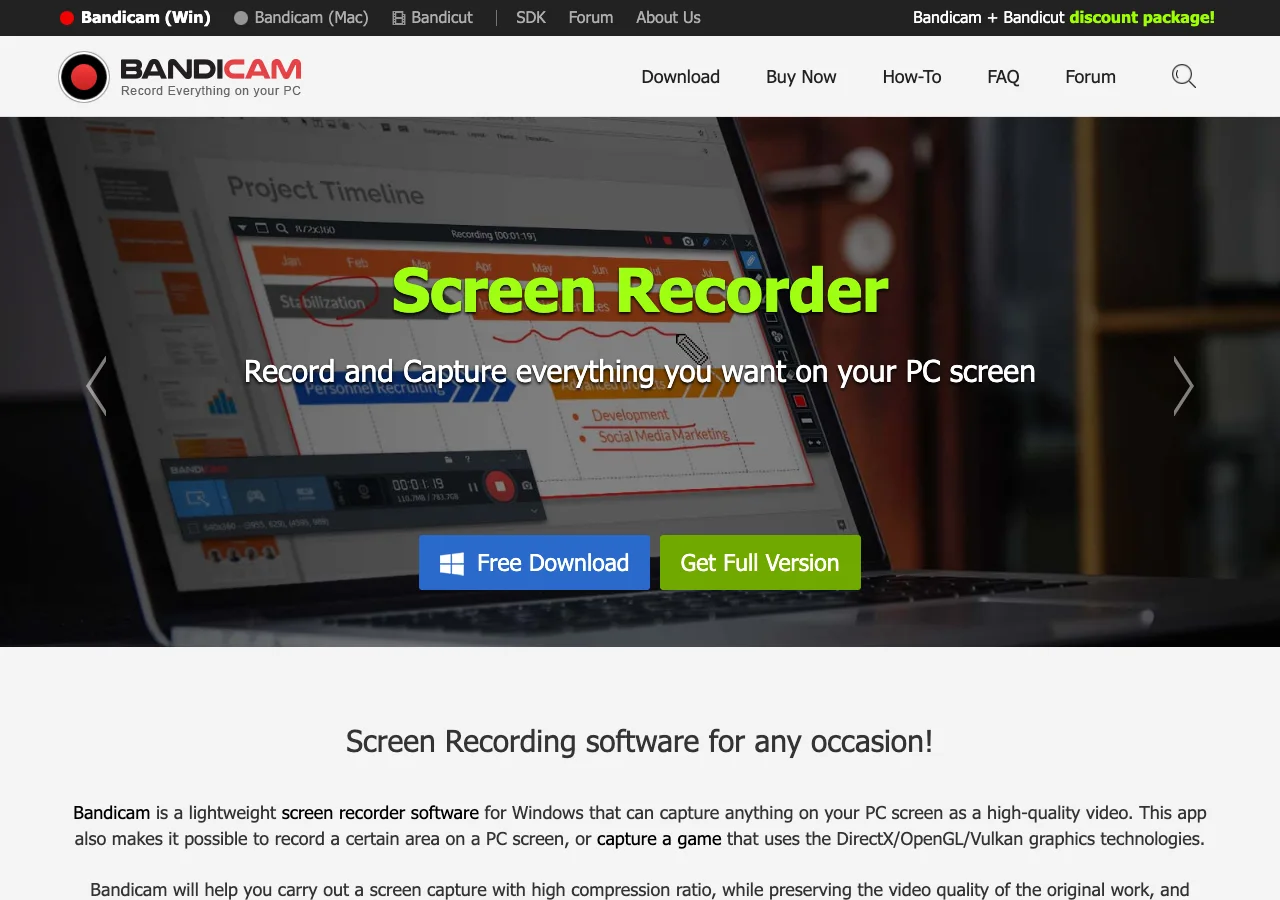
That makes Bandicam a serious candidate when you need:
- Windows desktop capture
- gameplay or DirectX/OpenGL/Vulkan-oriented recording
- local PC tutorials or software walkthroughs
- a conventional downloadable recorder instead of a browser extension
- a product with a long-running screen-recorder brand footprint
It also means Mac readers should slow down before treating Bandicam as a default recommendation. The homepage navigation shows separate Bandicam Windows and Mac surfaces, while the main captured page focuses heavily on PC screen recording. Check the exact Bandicam product page for your operating system before choosing it.
Pricing and License Checks Matter
Do not choose any recorder from a feature list alone. The buy page matters because license type, update policy, commercial-use terms, recording limits, and watermark behavior can affect the real workflow more than the capture button does.
At the time this draft was prepared on July 4, 2026, the official buy page displayed personal and business/education license tabs, plan cards, and plan-side bullets such as update/support and recording-limit or watermark language. Treat those as vendor terms to verify directly before buying, not evergreen facts.
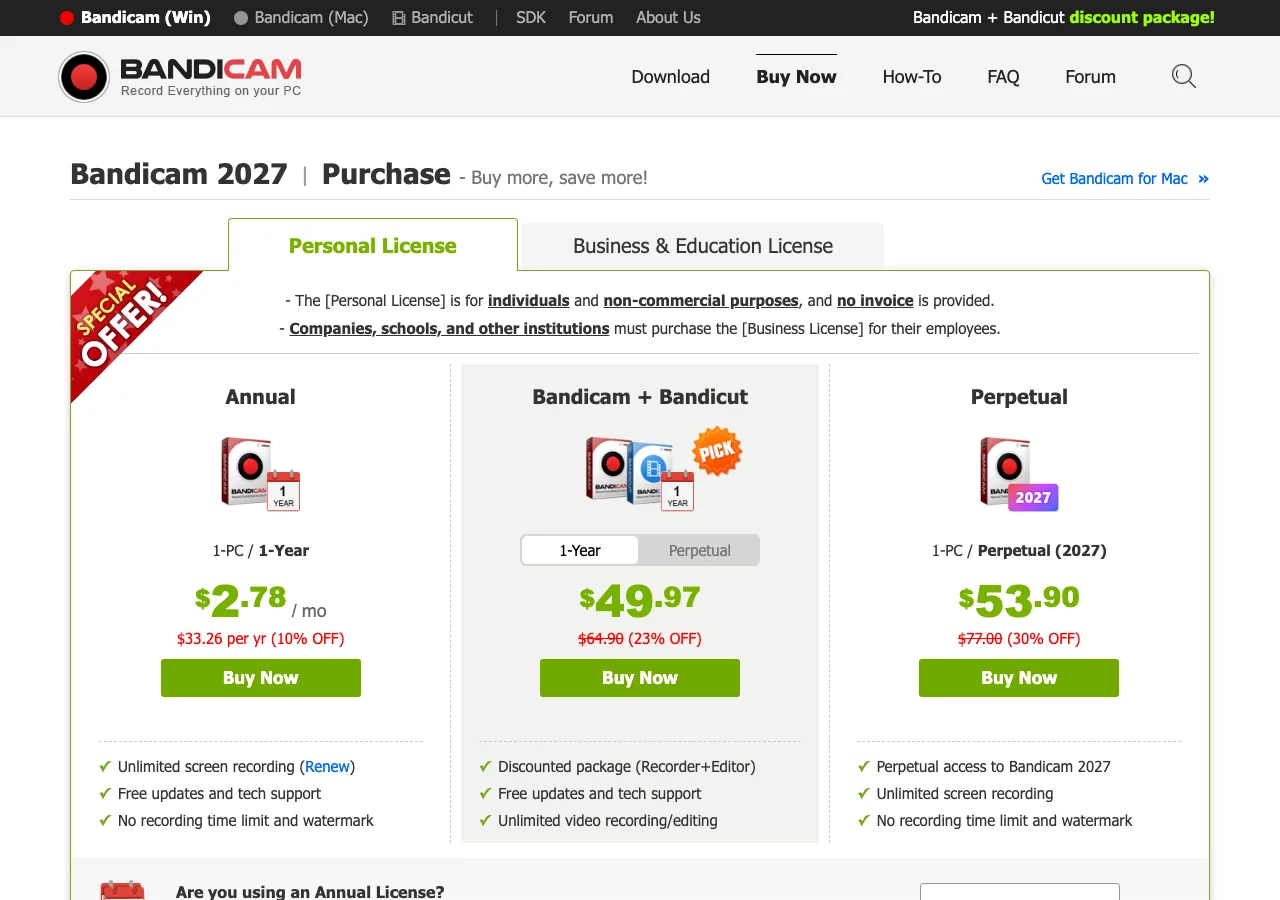
Before you record a client tutorial, paid course, or public product demo, check:
- whether your use case belongs under the personal or business license path
- whether the current plan removes the watermark for your output
- whether recording time, update, and support terms match the project length
- whether your target machine is Windows, Mac, or mixed
- whether you need editing after capture or only a clean source recording
Where Bandicam Fits Well
Bandicam looks strongest when the recording job is Windows-first and performance-sensitive. If you are recording gameplay, a PC software tutorial, a support clip for a Windows app, or a local capture where Bandicam's PC orientation matches the machine in front of you, it belongs on the shortlist.
Use Bandicam when:
- the recording machine is a Windows PC
- gameplay or graphics capture is part of the job
- you want a downloadable desktop recorder rather than a web recorder
- your team has already verified license and watermark behavior
- you need a conventional PC recorder more than a Mac creator workflow
For broader context, compare Redol's guide to the best OBS alternatives if your problem is OBS complexity, or the best screen recorder with timer tools if scheduled recording is the feature you care about.
Where Bandicam Is a Weaker Fit
Bandicam is less compelling when the searcher is really trying to build a repeatable Mac recording workflow. A Mac creator making product demos, async support videos, course clips, or software walkthroughs usually cares about system audio, mic narration, webcam overlay, crop control, cursor clarity, no watermark, and clean MP4 export without routing everything through a heavy production setup.
That is where the review should separate platform fit from product quality. A good Windows recorder can still be the wrong Mac workflow. A game-recorder recommendation can still be too much for a simple product walkthrough. A paid recorder can still be worth it for the right team, but only after the plan and output constraints are checked.
When Redol Is the Cleaner Fit
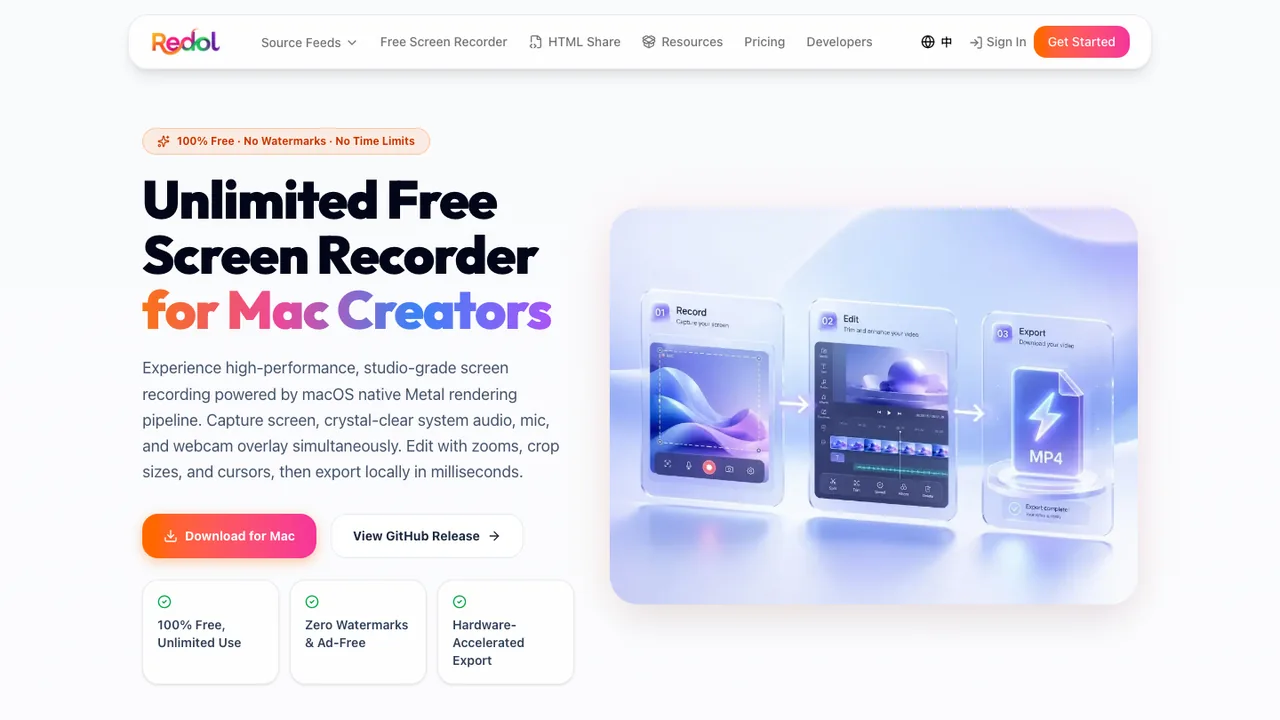
Redol Screen Recorder is the better fit when the job is specifically Mac-first local recording. The current Redol route and source position it as a free macOS recorder with no watermarks, no recording time limits, system audio loopback capture, microphone narration, webcam overlay, zooms, crop and resize controls, cursor actions, and local MP4 export.
Use Redol when:
- you are recording on macOS
- the output is a product demo, tutorial, support answer, course clip, or async update
- you need system audio and microphone narration in the same local capture
- you want webcam overlay, zoom, crop, cursor emphasis, and MP4 export in one workflow
- you do not need a Windows game recorder today
Do not choose Redol as a Bandicam replacement for Windows-first game capture. The current Redol product page presents the Windows build as planned, while the available product surface is Mac-focused. For Windows recording, compare Bandicam, OBS, Xbox Game Bar, ShareX, Movavi, and other Windows tools from their current official pages.
Bandicam vs Redol
| Need | Bandicam Screen Recorder | Redol Screen Recorder |
|---|---|---|
| Windows PC capture | Stronger current fit to verify | Not the current Redol center of gravity |
| Game recording | More natural shortlist candidate | Not a game-recorder recommendation |
| Mac product demo | Check the current Bandicam Mac surface first | Strong fit for local Mac demos and tutorials |
| No-watermark local MP4 | Verify current plan and output terms | Current route positions this as core value |
| Audio plus webcam narration | Verify on the target OS and plan | Current route supports system audio, mic, and webcam overlay |
| Editing after capture | Check whether Bandicam alone covers the needed edits | Redol route positions zoom, crop, cursor emphasis, and local export together |
The fair comparison is not "which product is universally better." It is "which recorder fits this machine, this output, and this risk." Bandicam can be the right answer for a Windows PC capture job. Redol can be the faster answer for a Mac creator who wants a local, no-watermark video asset without building a full recording studio.
Quick Test Before You Commit
Run one short recording before using any recorder for a full public asset.
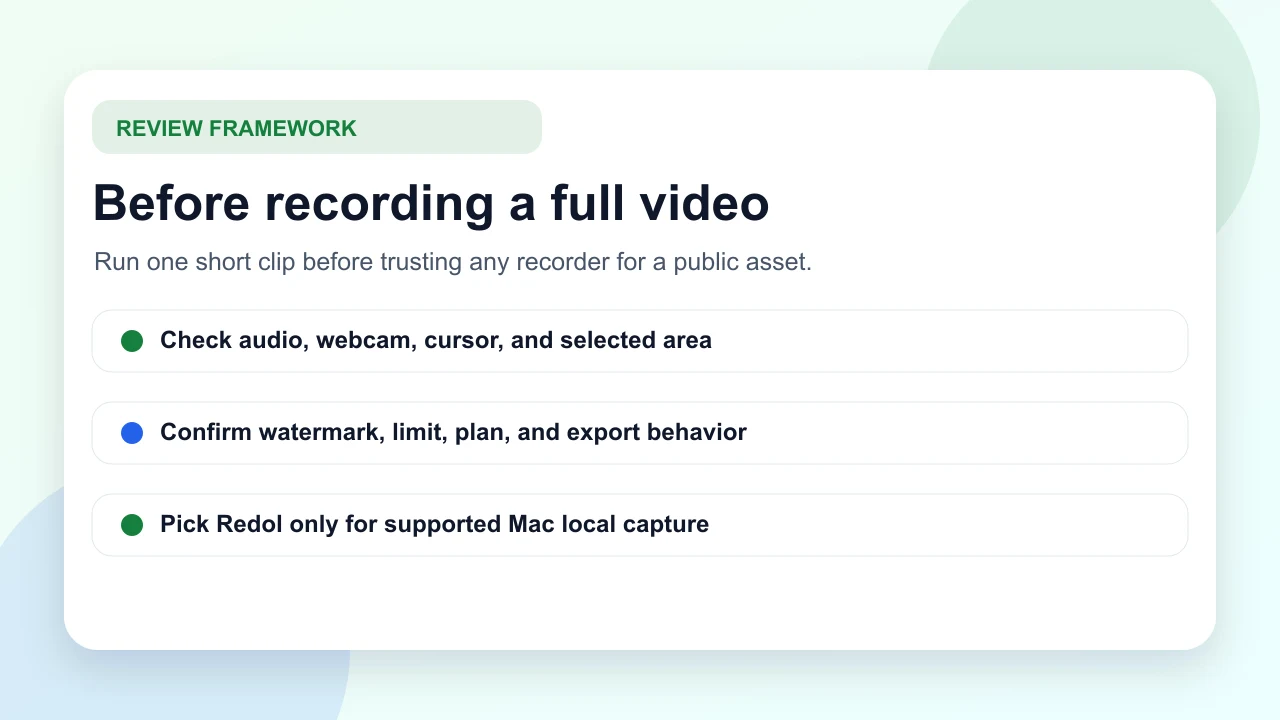
Use this checklist:
- record a 30-second clip with the same app, window, and monitor setup
- speak into the same microphone you will use for the full recording
- capture the same system audio source you need in the final video
- turn on webcam overlay if the final video needs it
- export to the final format and inspect file size, clarity, watermark, and playback
- confirm the plan/license terms before recording anything commercial
If that short clip passes, Bandicam may be a practical Windows recorder for your job. If the test reveals platform mismatch, watermark friction, unclear plan terms, or too much setup for a simple Mac tutorial, switch before recording the full piece.
Record a local Mac MP4 without watermark cleanup
Use Redol Screen Recorder when you need system audio, mic narration, webcam overlay, crop controls, zooms, cursor emphasis, and local MP4 export.
Final Verdict
Bandicam Screen Recorder is worth evaluating if your recording job is Windows-first, PC-screen-focused, or game-capture-oriented, and if the current Bandicam plan terms match your output needs. Its official pages make the PC recording positioning clear enough to put it on the shortlist for those jobs.
Use Redol instead when the recording job is Mac-first, local, no-watermark, and production-oriented: product demos, tutorials, support clips, async updates, and course modules that need clean MP4 export with system audio, microphone narration, webcam overlay, zooms, crop controls, and cursor clarity.
Related posts
About the Author

Zhang Guo
AI Product Manager · Digital Marketing Consultant
AI product manager and digital marketing consultant with a background in music. I see creativity as the bridge between rhythm and logic, where musical intuition and mathematical precision can coexist in every meaningful product decision.
Follow on X