The best Movavi Screen Recorder alternative depends on what you are trying to replace. A local Mac tutorial, a livestream with multiple scenes, a polished training video, an async team update, and a Windows game capture are different jobs. One recorder rarely wins all five.
The short answer: choose Redol for focused local Mac recording, OBS Studio for scenes and streaming control, ScreenFlow for Mac recording plus deeper editing, Camtasia for cross-platform tutorial production, Loom for fast hosted video messages, and Bandicam for Windows-first game or device capture.
| Alternative | Best for | Platforms highlighted by the official source | Main tradeoff to check |
|---|---|---|---|
| Redol Screen Recorder | Local Mac tutorials, demos, courses, and support clips | macOS; current public download is Apple Silicon | Focused recorder rather than a broad cloud or editing suite |
| OBS Studio | Live streaming, scenes, plugins, and multi-source capture | Windows, macOS, Linux | More setup than a simple one-window recorder |
| ScreenFlow | Mac screencasts that need substantial editing | macOS | Mac-only workflow and paid software decision |
| Camtasia | Structured tutorials, training, and multitrack editing | Windows, macOS | Broader production suite than many quick clips need |
| Loom | Async messages, instant links, comments, and team feedback | macOS, Windows, Chrome, iOS, Android | Cloud-hosted sharing model and plan limits |
| Bandicam | Windows gameplay, webcam, meetings, and device capture | Windows is the established download path | Free exports have limits and a watermark |
Start With the Movavi Job You Need to Replace
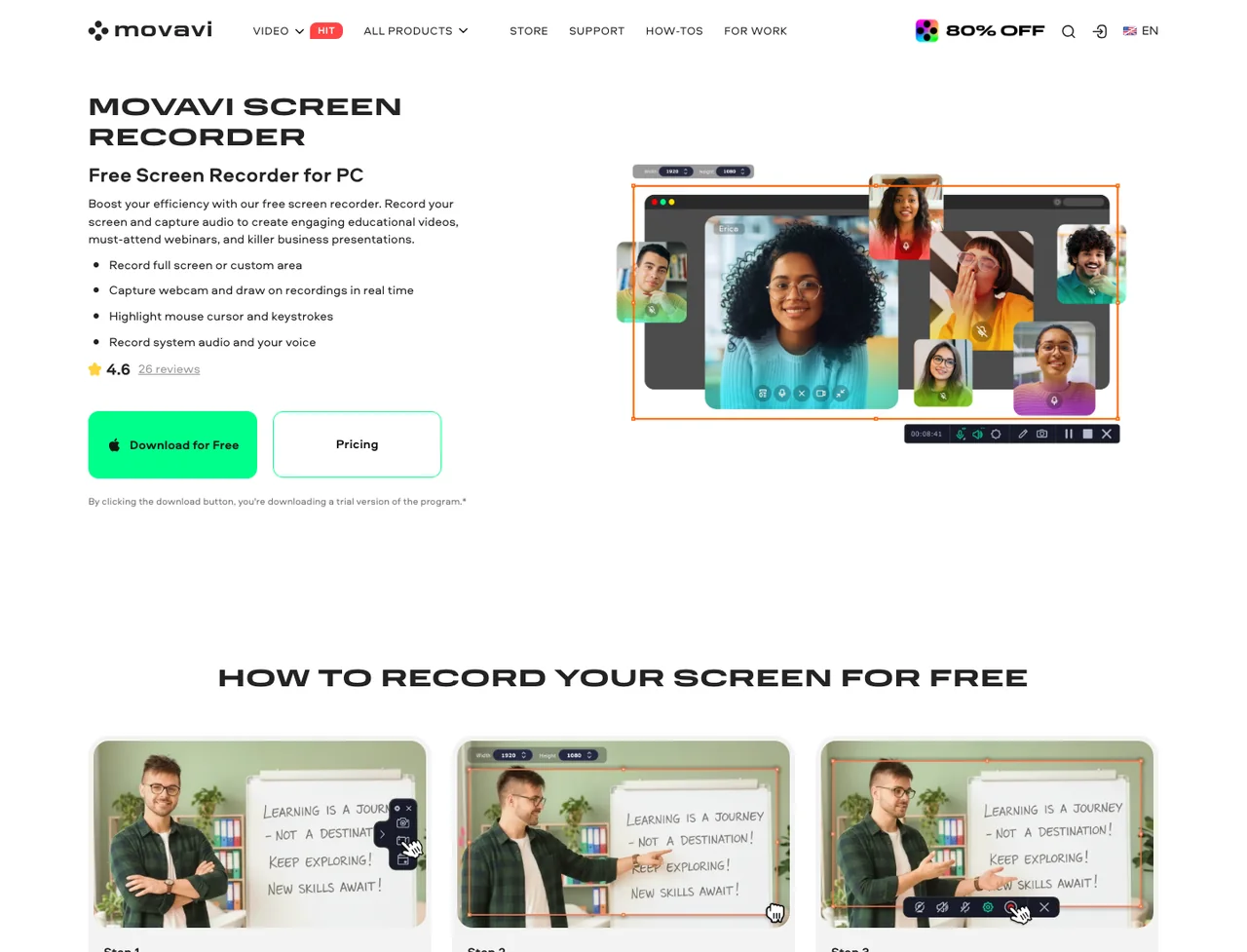
Movavi's current public product page positions Screen Recorder as a conventional desktop recorder for screen, system audio, microphone, webcam, annotations, screenshots, and scheduled capture. That makes it useful as a baseline, but not as a reason to choose a lookalike.
Use these questions before comparing alternatives:
- Do you need local files or an instantly hosted link?
- Is the job a simple recording, a livestream, or a full edited production?
- Do you work on Mac, Windows, Linux, browser, or mobile?
- Are watermark, recording-length, privacy, or trial restrictions blocking the project?
- Do you need scenes, plugins, scheduling, comments, captions, or a multitrack timeline?
For a closer public-source assessment of the baseline product, read the Movavi Screen Recorder review.
1. Redol Screen Recorder for Local Mac Workflows
Redol is the clearest alternative when the real problem is not “Movavi needs more features.” It is “I need a clean Mac recording that stays local and becomes an MP4 without watermark cleanup.”
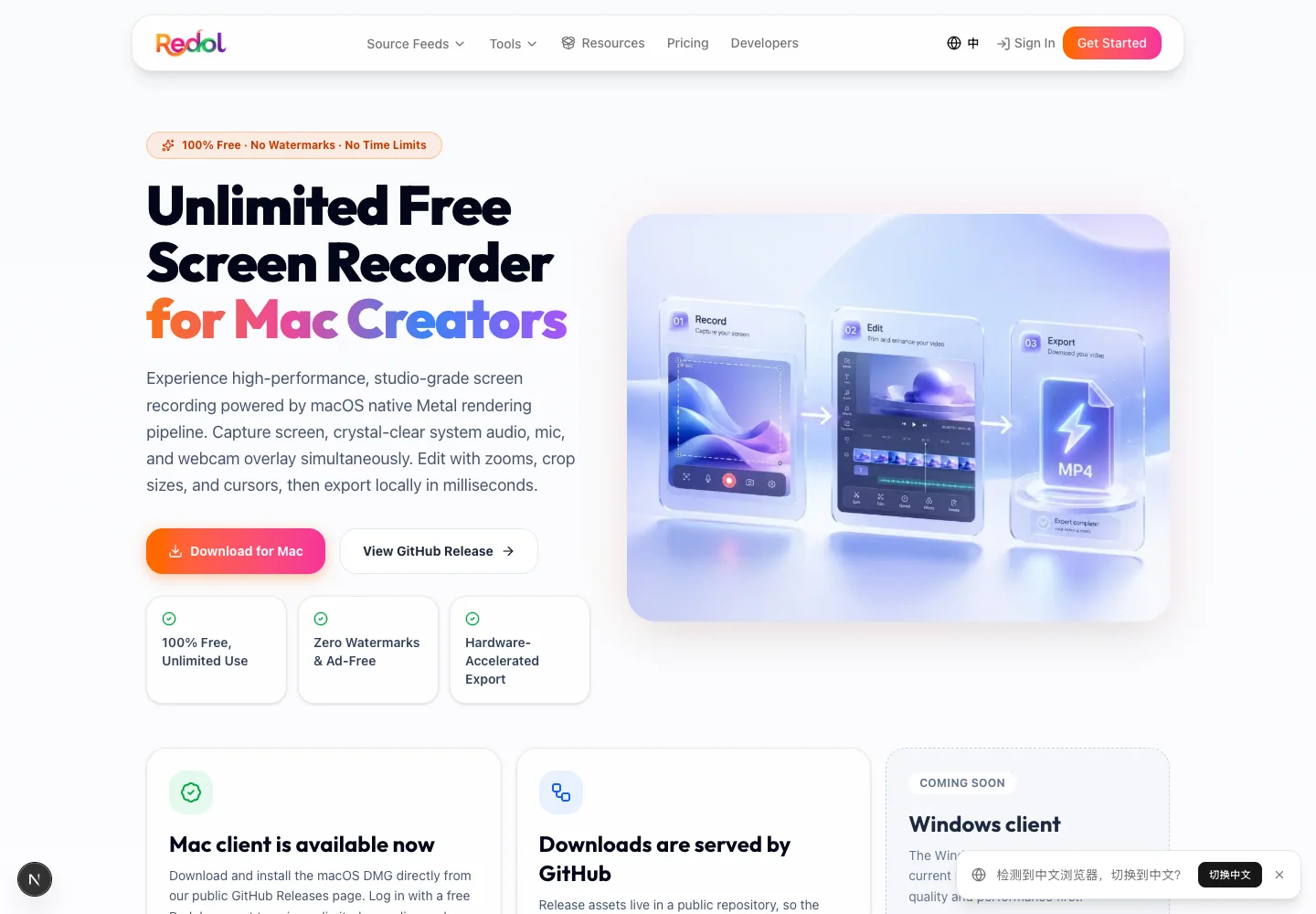
Current Redol source and landing-page copy support screen capture, system audio, microphone narration, webcam overlay, crop and resize controls, zooms, cursor emphasis, and local MP4 export. The current release is Mac-focused, with an Apple Silicon download available; Windows is still presented as planned.
Choose Redol when:
- you record tutorials, demos, courses, walkthroughs, or bug reports on Mac
- system audio, microphone, and webcam need to be captured together
- recordings should stay on the computer rather than start in a hosted workspace
- no-watermark output and no recording time limit matter
- you want a focused capture-to-MP4 workflow
Do not choose Redol for a Windows-first project, a live production with many scenes, or a cloud review workflow. Those jobs map better to other tools in this list.
Record a clean Mac video without watermark cleanup
Use Redol Screen Recorder for local Mac capture with system audio, mic narration, webcam overlay, zooms, crop controls, cursor emphasis, and MP4 export.
2. OBS Studio for Scenes, Streaming, and Plugins
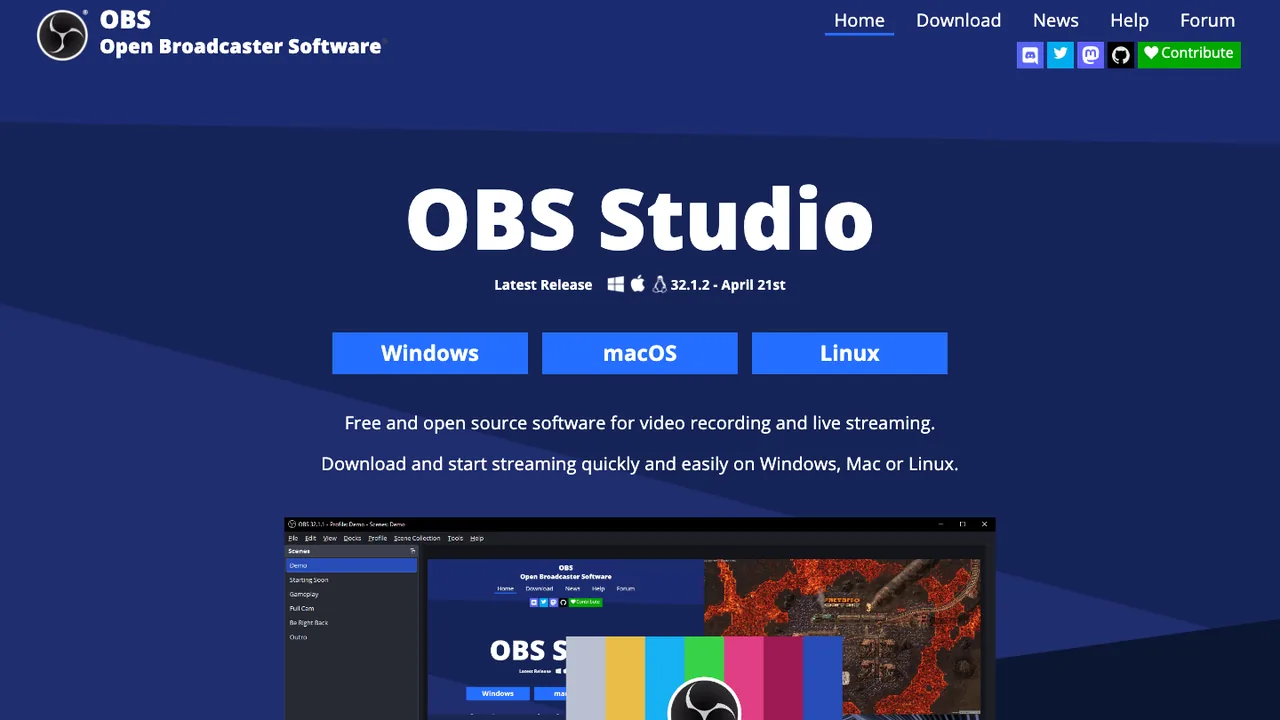
OBS Studio's official site describes free, open-source recording and live streaming for Windows, macOS, and Linux. It supports scenes made from multiple sources, custom transitions, an audio mixer with per-source filters, and extensibility through plugins and scripts.
Choose OBS when:
- the recording needs several cameras, windows, capture cards, browser sources, or overlays
- live streaming is as important as local recording
- you want reusable scenes and transitions
- community plugins or scripts are part of the workflow
OBS is less suitable when the user needs a quick one-window tutorial and does not want to configure sources, scenes, audio routing, and export settings. If OBS itself is the tool you are trying to replace, use the more focused OBS alternatives comparison.
3. ScreenFlow for Mac Recording and Deeper Editing
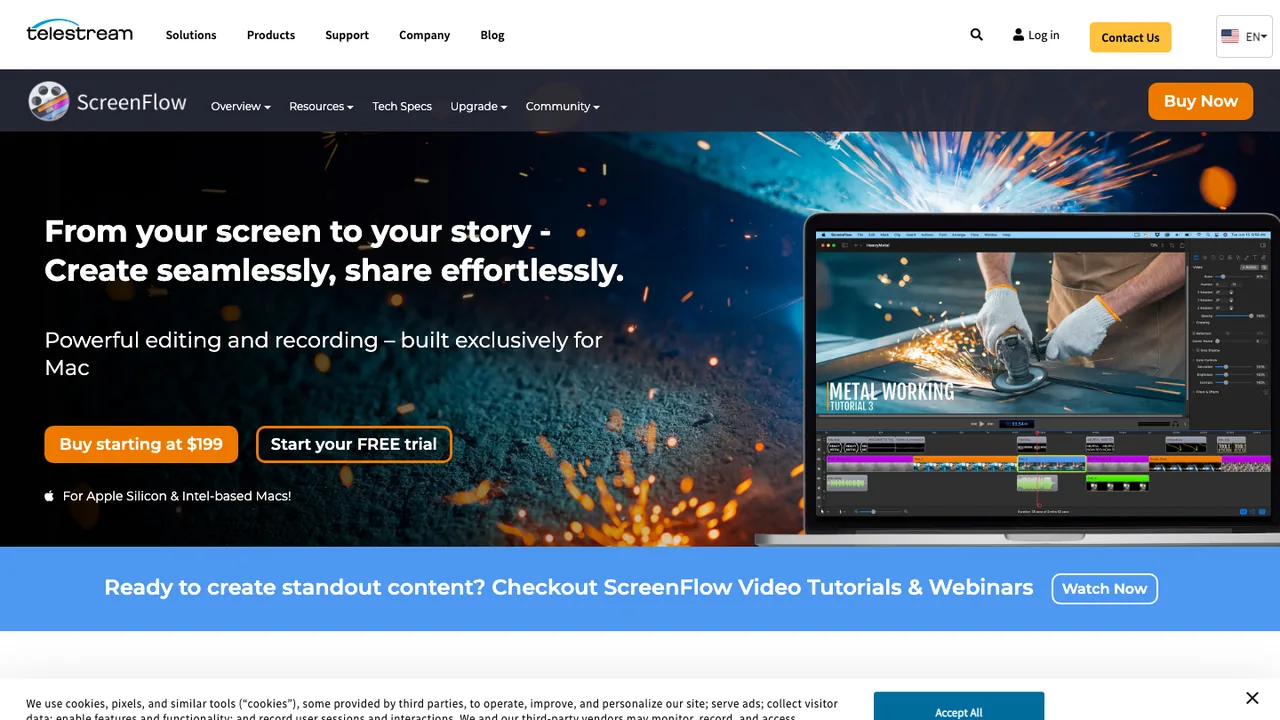
Telestream's official ScreenFlow page presents ScreenFlow as recording and editing software built exclusively for Mac. Its public feature list includes transitions, text and video animations, annotations, multichannel audio, tutorial templates, captions, media management, and several export formats.
Choose ScreenFlow when:
- Mac is the permanent production platform
- the recording will become a heavily edited tutorial or course lesson
- captions, animations, callouts, and timeline control matter
- recording and editing should stay in one desktop application
ScreenFlow is a stronger production editor than a focused recorder, but that also means a bigger workflow. A short support clip may not need the same project structure as a polished training module.
4. Camtasia for Cross-Platform Tutorial Production
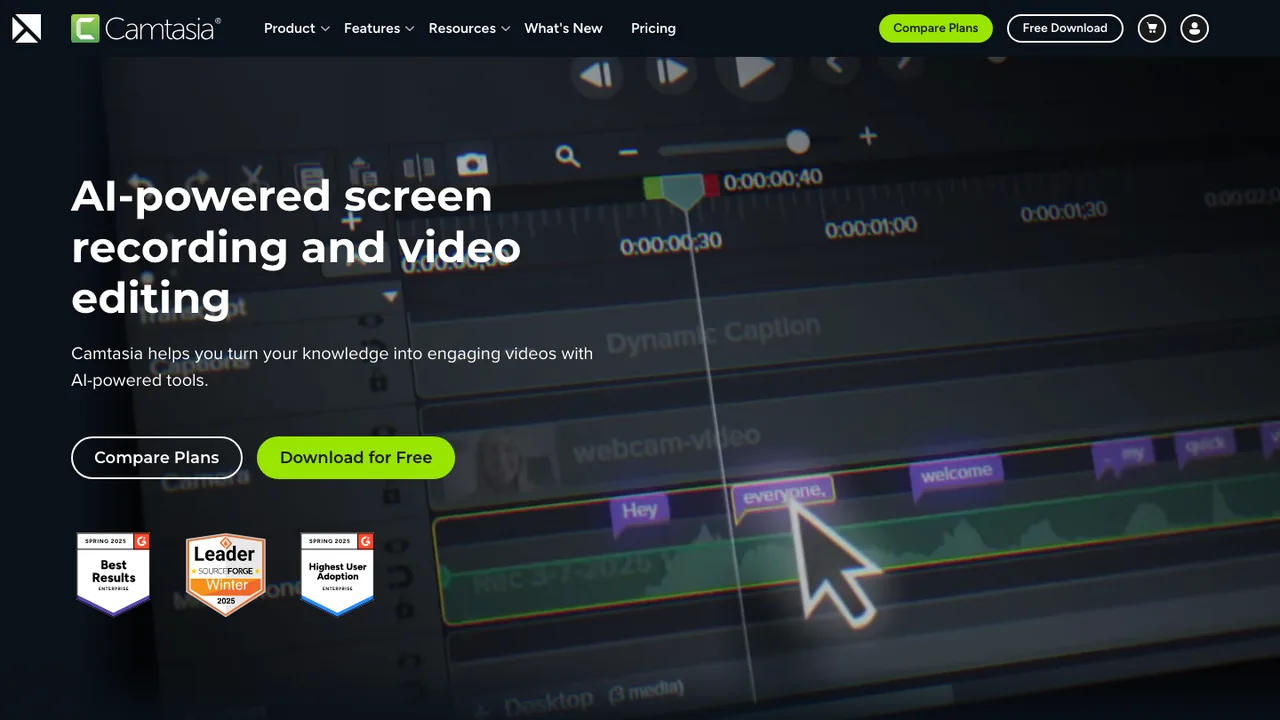
TechSmith's official Camtasia page combines screen recording with a multitrack editor for Windows and Mac. The current public pages emphasize separate screen, camera, system-audio, and microphone tracks, plus cursor editing, annotations, transitions, effects, and tutorial-oriented production.
Choose Camtasia when:
- training or instructional video is the main deliverable
- screen, camera, and audio need separate post-production control
- cursor changes, callouts, effects, and templates reduce editing work
- the team needs a similar production surface on Windows and Mac
Camtasia is not automatically the best value for a short recording. It makes more sense when editing control is part of the requirement, not merely an extra feature that will never be used.
5. Loom for Async Video Messages and Instant Sharing
Loom's official screen recorder page emphasizes screen and audio capture across desktop, browser, and mobile surfaces, followed by an instant share link, browser editing, embeds, captions, comments, and reactions.
Choose Loom when:
- the output is an async update, sales message, design review, or support response
- viewers need a link immediately
- comments, reactions, or lightweight feedback are part of the job
- cloud hosting is an advantage rather than a privacy concern
Loom is a different architecture from a local-first recorder. Before choosing it, check current plan limits, video ownership, workspace access, download needs, and whether the recording is appropriate for a hosted team library.
6. Bandicam for Windows and Game Capture
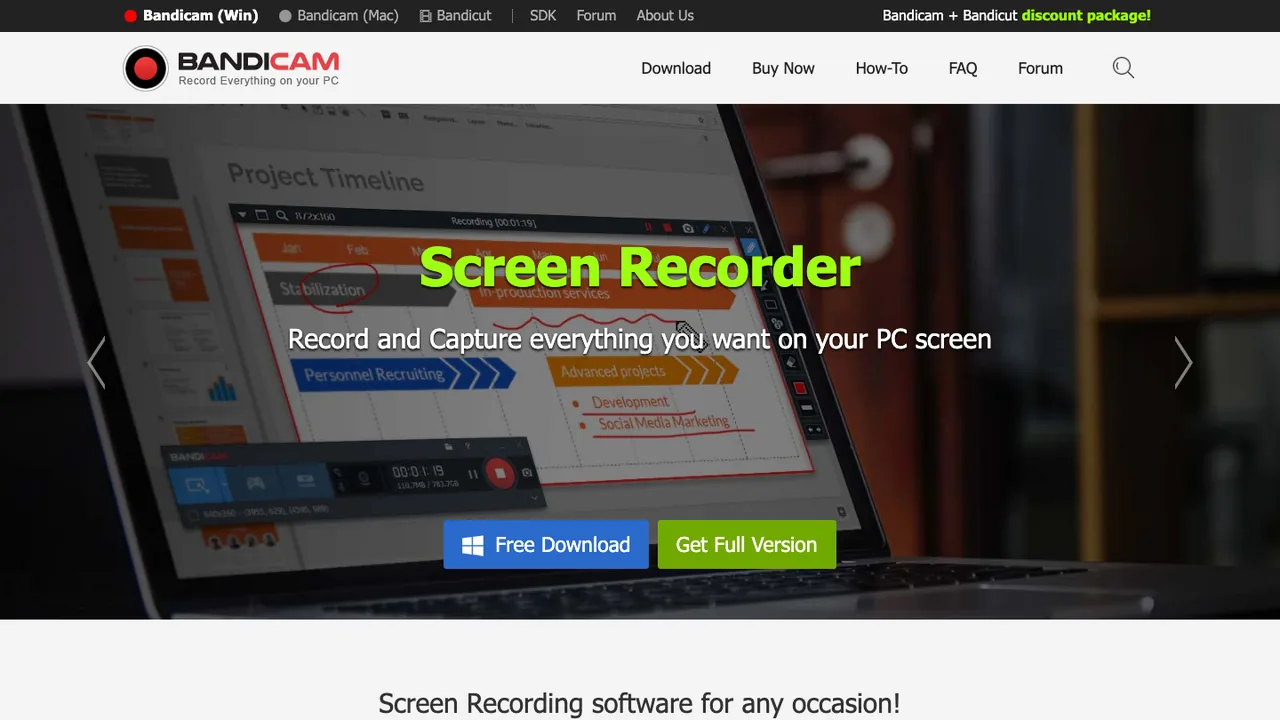
Bandicam's official site presents screen, game, webcam, meeting, and device capture. Its Windows download page also states that the unregistered version has recording limits and adds a watermark, so a short proof recording should happen before any important project.
Choose Bandicam when:
- Windows is the main platform
- DirectX, OpenGL, or Vulkan game capture is central
- you need webcam, meeting, device, or screen recording in one Windows tool
- recording-mode controls matter more than a large editing timeline
Bandicam is not the direct answer for a Mac-local workflow. Also verify the current free-versus-registered restrictions instead of assuming “free download” means watermark-free production output.
How to Choose Without Repeating the Movavi Problem
Use this decision order:
- Choose the platform first. Mac-only, Windows-first, cross-platform, browser, and mobile requirements remove several options immediately.
- Choose the output model. Decide between a local file, a live stream, a hosted link, or an edited production project.
- Choose the complexity you will actually use. Scenes, plugins, multitrack editing, and collaboration are valuable only when the workflow needs them.
- Verify the blocking limit. Test watermark behavior, recording length, audio permissions, export format, protected-content restrictions, and plan rules on a short clip.
- Use the same proof clip everywhere. Record one minute with the real window, motion, system audio, microphone, webcam, and export target. Compare the result and cleanup time, not the feature-page length.
Final Recommendation
Choose Redol for focused local Mac recording, OBS for scenes and streaming, ScreenFlow for Mac screencast editing, Camtasia for cross-platform instructional production, Loom for hosted async communication, and Bandicam for Windows or game capture.
The useful replacement is not the recorder with the longest feature list. It is the one whose platform, output model, privacy boundary, editing depth, and plan constraints fit the video you need to make today.
Related posts
About the Author

Zhang Guo
AI Product Manager · Digital Marketing Consultant
AI product manager and digital marketing consultant with a background in music. I see creativity as the bridge between rhythm and logic, where musical intuition and mathematical precision can coexist in every meaningful product decision.
Follow on X