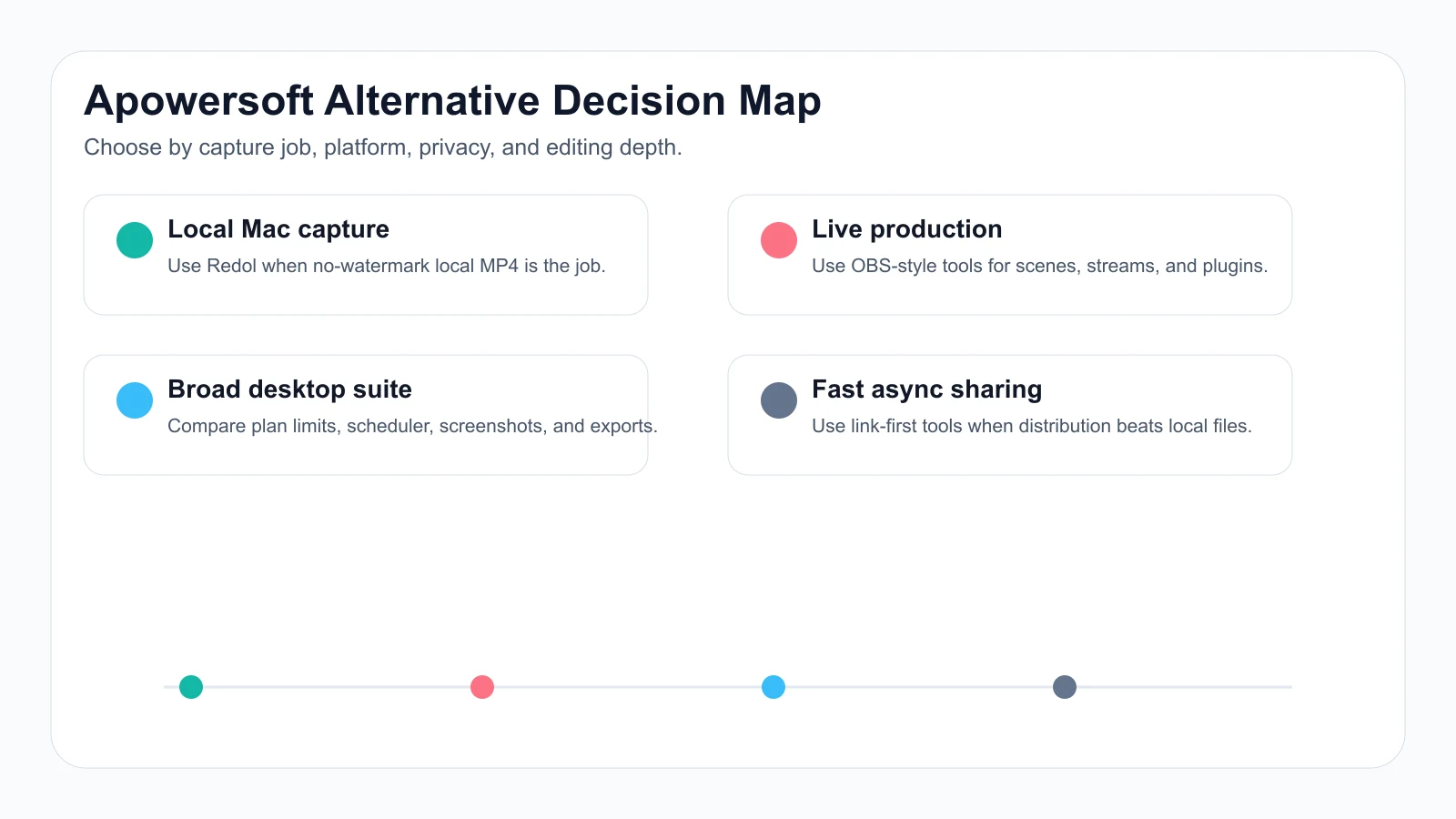
If you are searching for Apowersoft Screen Recorder alternatives, start with the exact job Apowersoft is not solving for you. Some people need a simpler Mac recorder. Some need open-source streaming control. Some need screenshot-heavy capture, scheduled recording, or a browser-based recorder that does not start with a desktop install.
The short answer: use Redol Screen Recorder when the job is a local Mac tutorial, product demo, support clip, or course recording that needs system audio, mic narration, webcam overlay, crop controls, zooms, cursor clarity, no watermark, and local MP4 export. Use OBS when you need scenes or livestream control. Use Icecream, Movavi, or Bandicam when you want a broader conventional desktop recorder and have verified the current plan limits on the official pages.
Quick Comparison
| Alternative | Best for | Platform fit | Strongest reason to choose it | Watch out for |
|---|---|---|---|---|
| Redol Screen Recorder | Local Mac tutorials, product demos, support answers, and no-watermark MP4 exports | macOS now; Windows planned | Current Redol route shows local capture, system audio, mic, webcam overlay, zooms, crop controls, cursor actions, and local export | Not a livestream studio, browser recorder, or screenshot editor |
| OBS Studio | Streaming, scenes, plugins, and complex recording layouts | Windows, macOS, and Linux from the official project | Free open-source production control for people who need more than a simple capture | Setup can be heavy for one-off demos |
| Icecream Screen Recorder | Basic desktop capture, screenshots, webcam, and simple recorder workflows | Windows and Mac from the official page | Familiar conventional recorder with screenshot support | Verify free-plan limits, watermark behavior, scheduler needs, and export formats |
| Movavi Screen Recorder | Straightforward desktop capture, meeting clips, annotations, and scheduled recordings | Desktop recorder category | Polished commercial recorder workflow for common capture jobs | Verify current trial limits, watermark behavior, and plan terms |
| Bandicam | Windows desktop, gameplay, device, and PC recording | Windows/PC from the official page | Focused PC recording path when Windows is the center of the job | Not a Mac recommendation |
What You Are Replacing
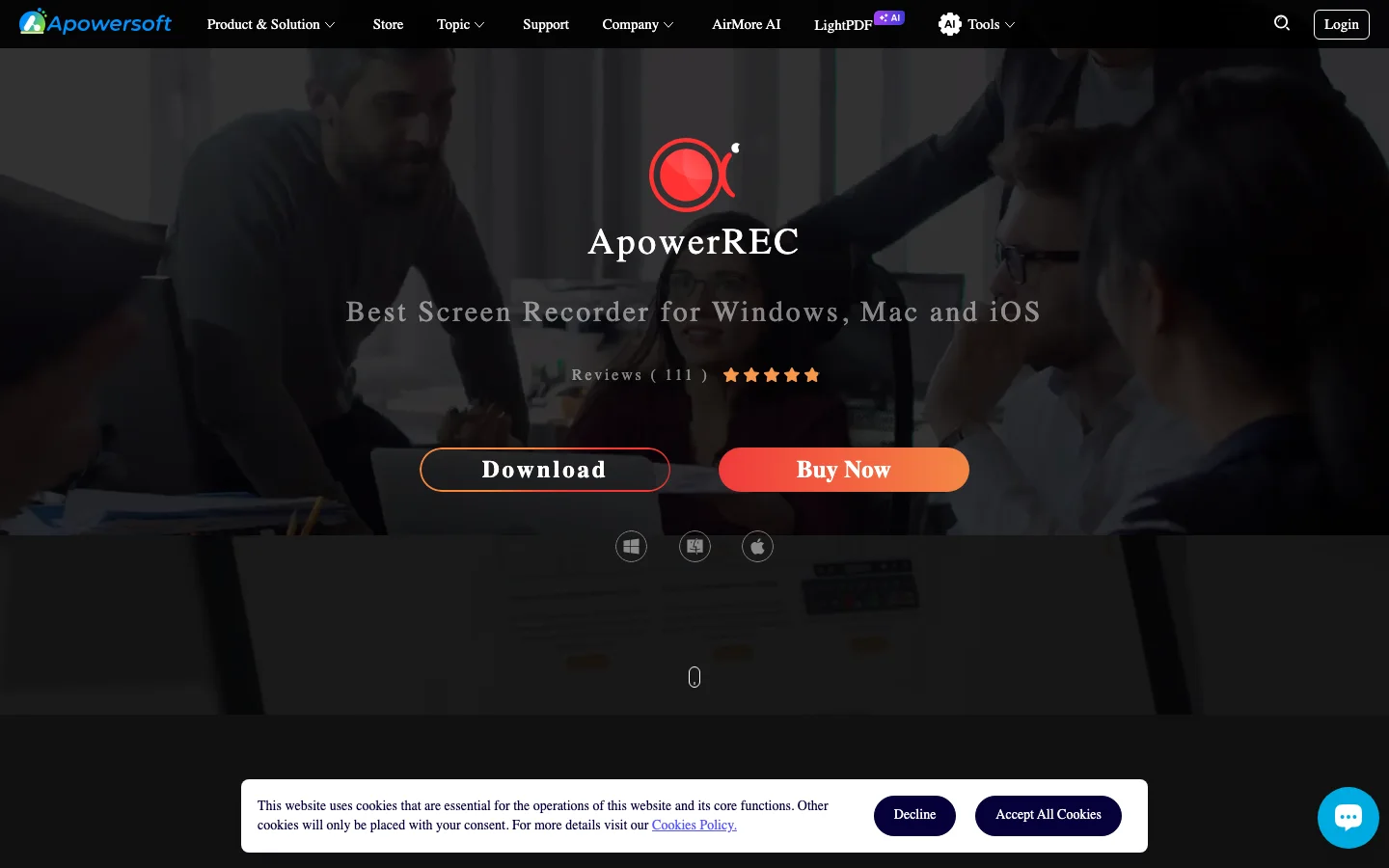
Apowersoft has more than one public screen-recording surface, so check the specific product or web recorder you were considering before choosing an alternative. The official ApowerREC page presents a cross-platform recorder for screen, webcam, audio, annotation, editing, scheduled task recording, zoom recording, locked-window recording, and spotlight recording.
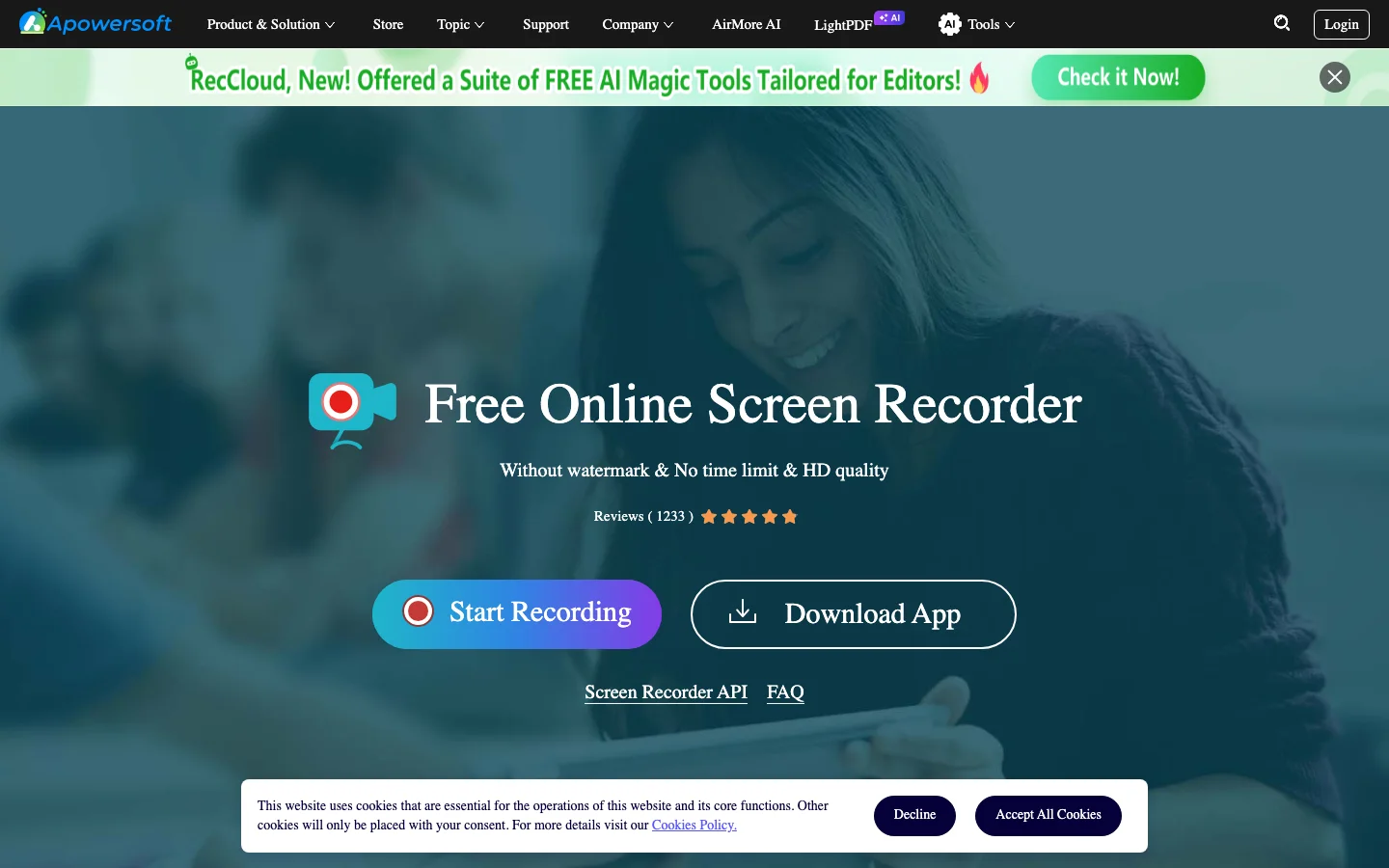
Apowersoft also has a free online screen recorder page that frames the product around browser-based recording, screen plus webcam, system sound, microphone, picture-in-picture recording, and web sharing.
That matters because the right alternative changes with the job:
- If you want a lighter Mac local recorder, compare Redol first.
- If you need live scenes or plugins, compare OBS first.
- If you need screenshots plus desktop recording, compare Icecream, Movavi, and Bandicam carefully.
- If you want a browser recorder, verify whether a web-based workflow is more important than local files and privacy.
1. Redol Screen Recorder
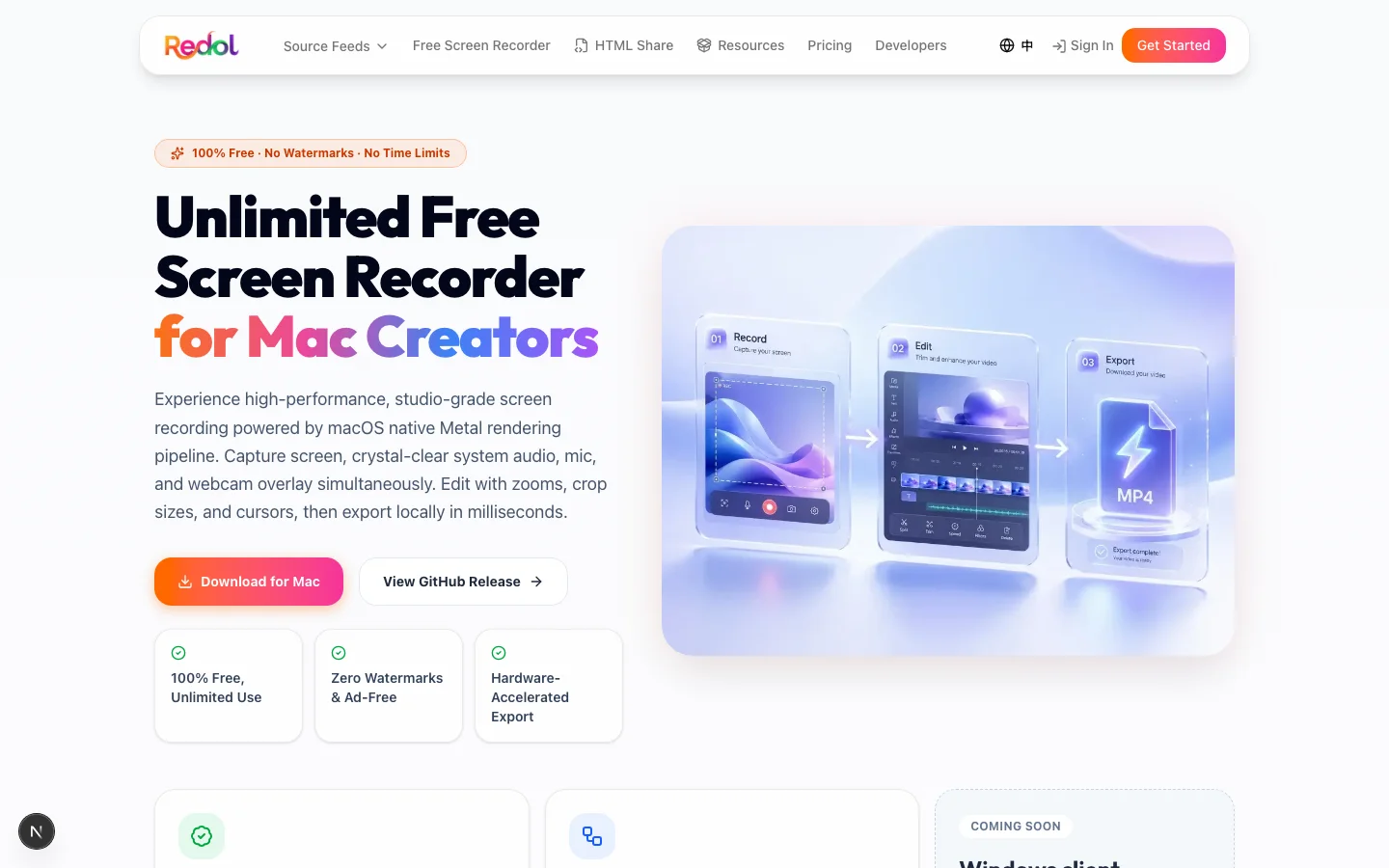
Redol Screen Recorder is the best Apowersoft alternative in this list when the job is Mac-first and local. The current Redol product route and source position it as a free macOS recorder with no watermarks, no recording time limits, system audio loopback capture, microphone narration, webcam overlay, zooms, crop and resize controls, cursor actions, and local MP4 export. The Windows client is shown as planned, so keep this recommendation Mac-specific.
Choose Redol when:
- you are recording a product walkthrough, tutorial, async update, support answer, or course clip
- the source footage should stay local instead of starting as a web upload
- watermark-free MP4 export matters
- you need system audio, mic narration, and webcam overlay in one capture
- you want crop controls, zooms, and cursor clarity without a livestream studio
Do not choose Redol as the Apowersoft replacement for a Windows-first team, a browser-only workflow, Android or iOS recording, or advanced screenshot annotation. In those cases, compare a tool whose official page clearly supports that job today.
Record clean Mac demos without watermark cleanup
Use Redol Screen Recorder for local MP4 exports with system audio, microphone narration, webcam overlay, zooms, crop controls, and cursor clarity.
2. OBS Studio
Use OBS Studio when Apowersoft feels too narrow, not too heavy. OBS Studio's official site positions it as free open-source software for video recording and live streaming across Windows, macOS, and Linux.
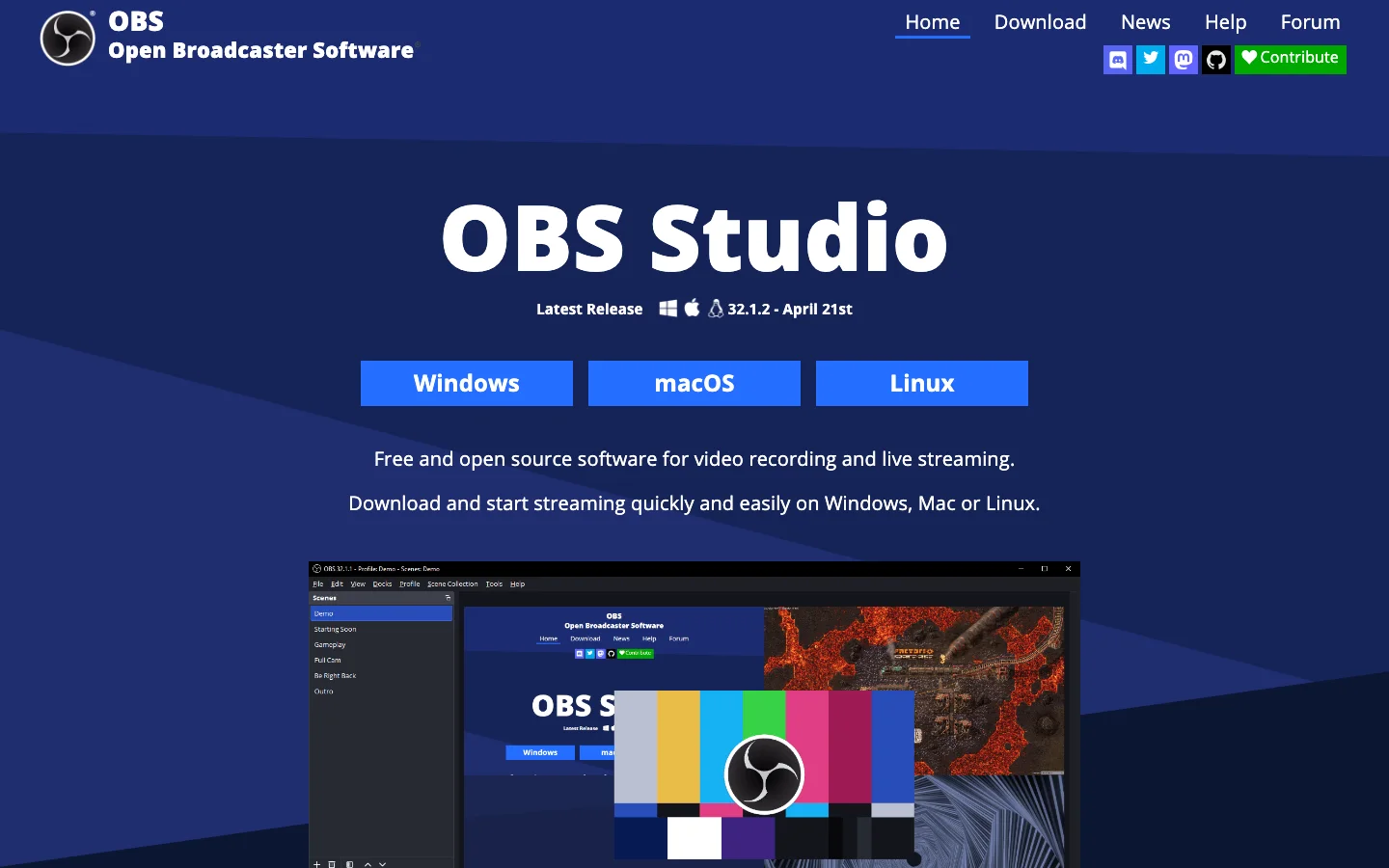
OBS is the strongest alternative when you need:
- reusable scenes, source groups, and overlays
- livestreaming and recording from the same setup
- audio filters, mixer control, or routing across several inputs
- plugins, virtual cameras, or deeper encoder control
- a free open-source ecosystem
OBS is weaker when the real job is a quick local tutorial. If you spend more time configuring scenes than recording, use a simpler recorder. For a deeper replacement map, compare Redol's guide to the best OBS alternatives.
3. Icecream Screen Recorder
Icecream Screen Recorder is worth comparing when you want a conventional desktop recorder that also cares about screenshots. Icecream's official Screen Recorder page presents screen video capture, audio recording, webcam, selected-area capture, screenshots, and related desktop capture tasks.
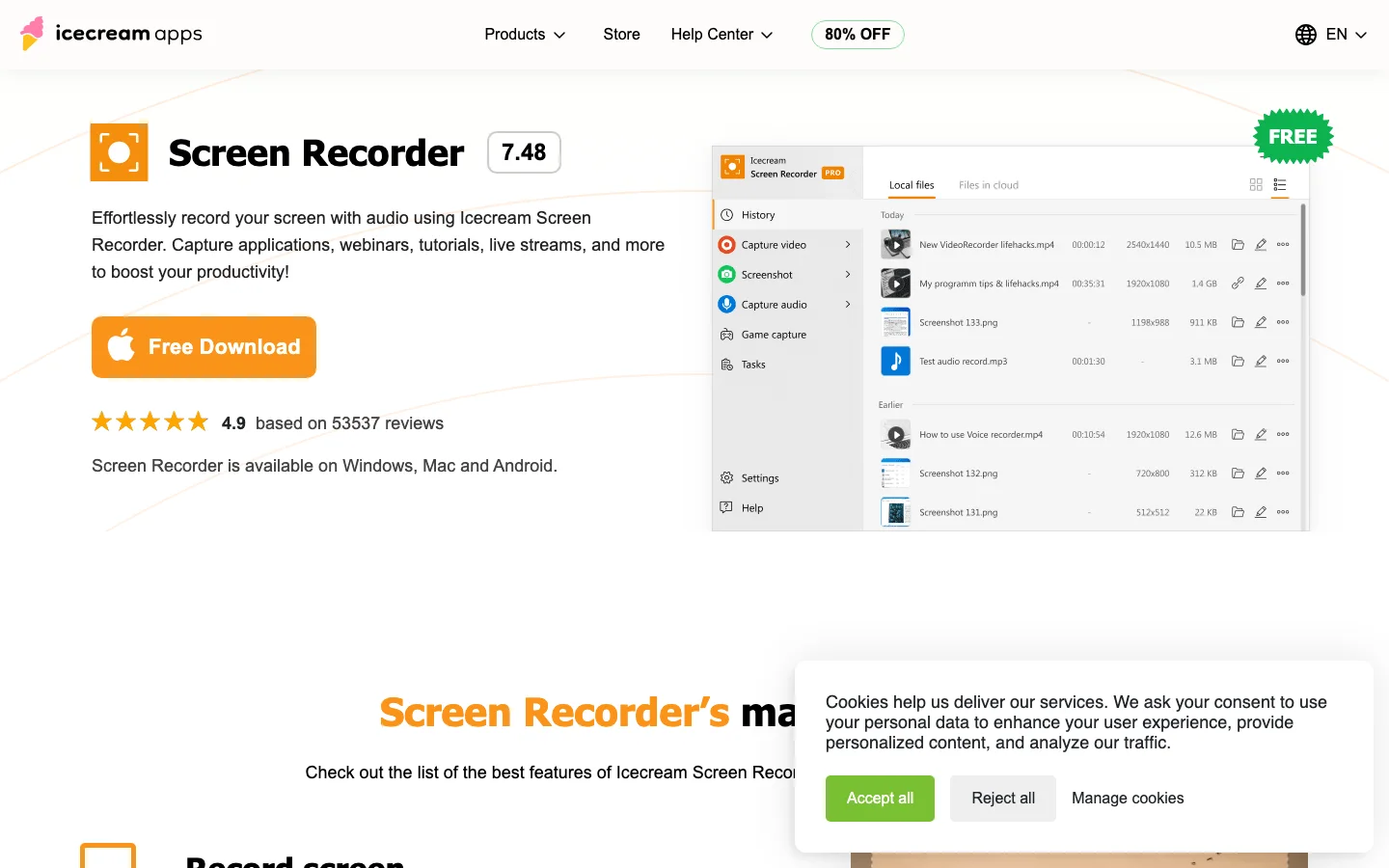
Choose Icecream when screenshot support is part of the job, the user wants a familiar recorder interface, and you are comfortable checking the current free and paid plan terms before recording important work.
Choose Redol instead when the job is specifically a Mac creator recording that should stay local, avoid watermarks, and turn into a clean MP4 for tutorials, product demos, support clips, or course lessons. If Icecream is already on your shortlist, read the Icecream Screen Recorder review and the Icecream Screen Recorder alternative guide.
4. Movavi Screen Recorder
Movavi Screen Recorder belongs on the shortlist when you want a polished commercial recorder for common desktop capture jobs. Movavi's official Screen Recorder page is the current source to verify capture, export, scheduling, screenshot, annotation, and plan-side details.
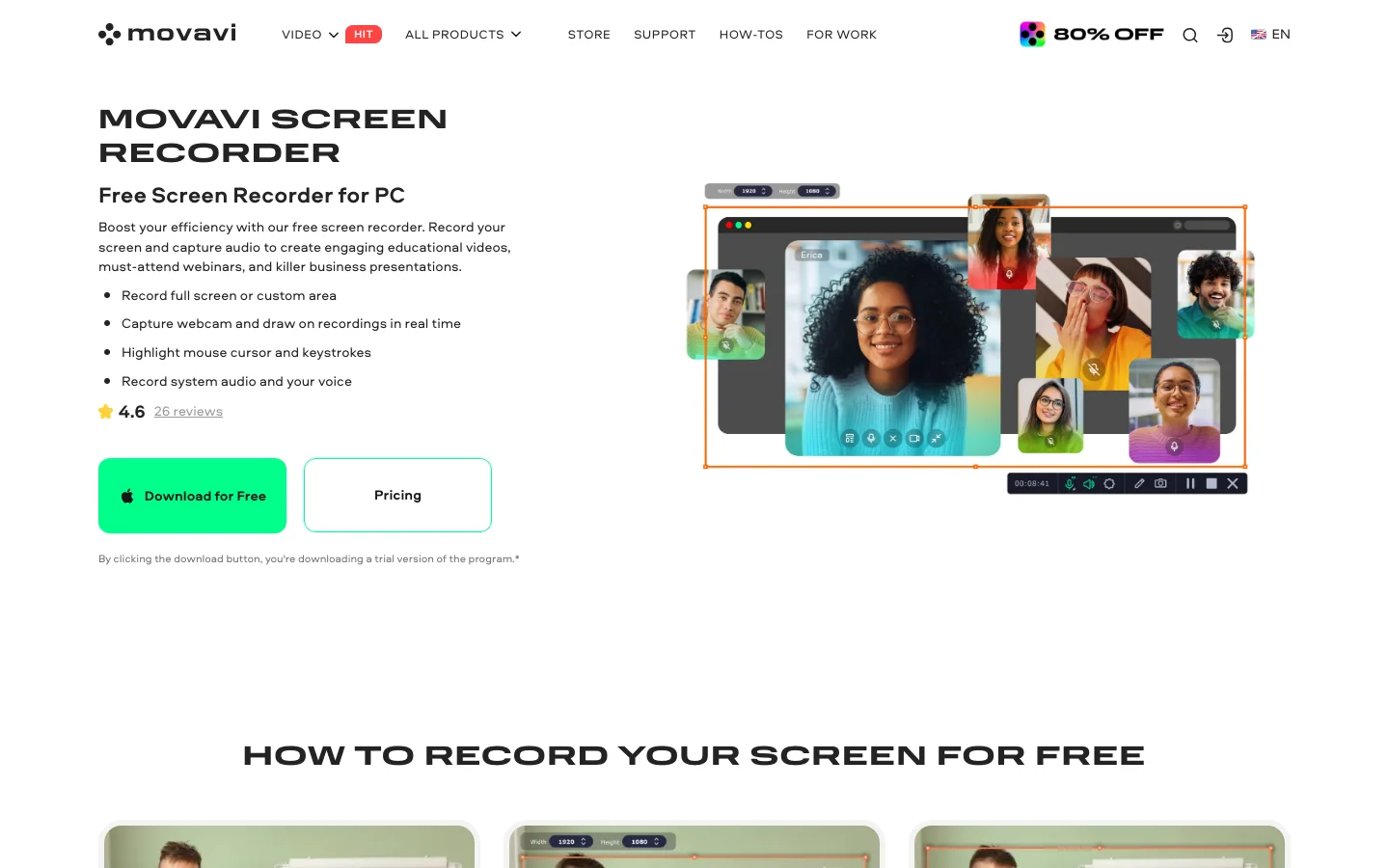
Choose Movavi when the product's current official page and your own short test clip confirm the workflow you need: screen capture, audio, webcam overlay, screenshots, scheduling, annotations, and export behavior.
Choose Redol when the Apowersoft problem is not "I need a bigger desktop suite." Choose Redol when the problem is "I need a repeatable Mac recording workflow that stays local and exports without watermark cleanup." For a public-source review frame, see the Movavi Screen Recorder review.
5. Bandicam
Bandicam is a better Apowersoft alternative for Windows-centered PC recording than for Mac creator workflows. Bandicam's official page positions it around PC screen recording, game recording, device capture, and Windows use cases.
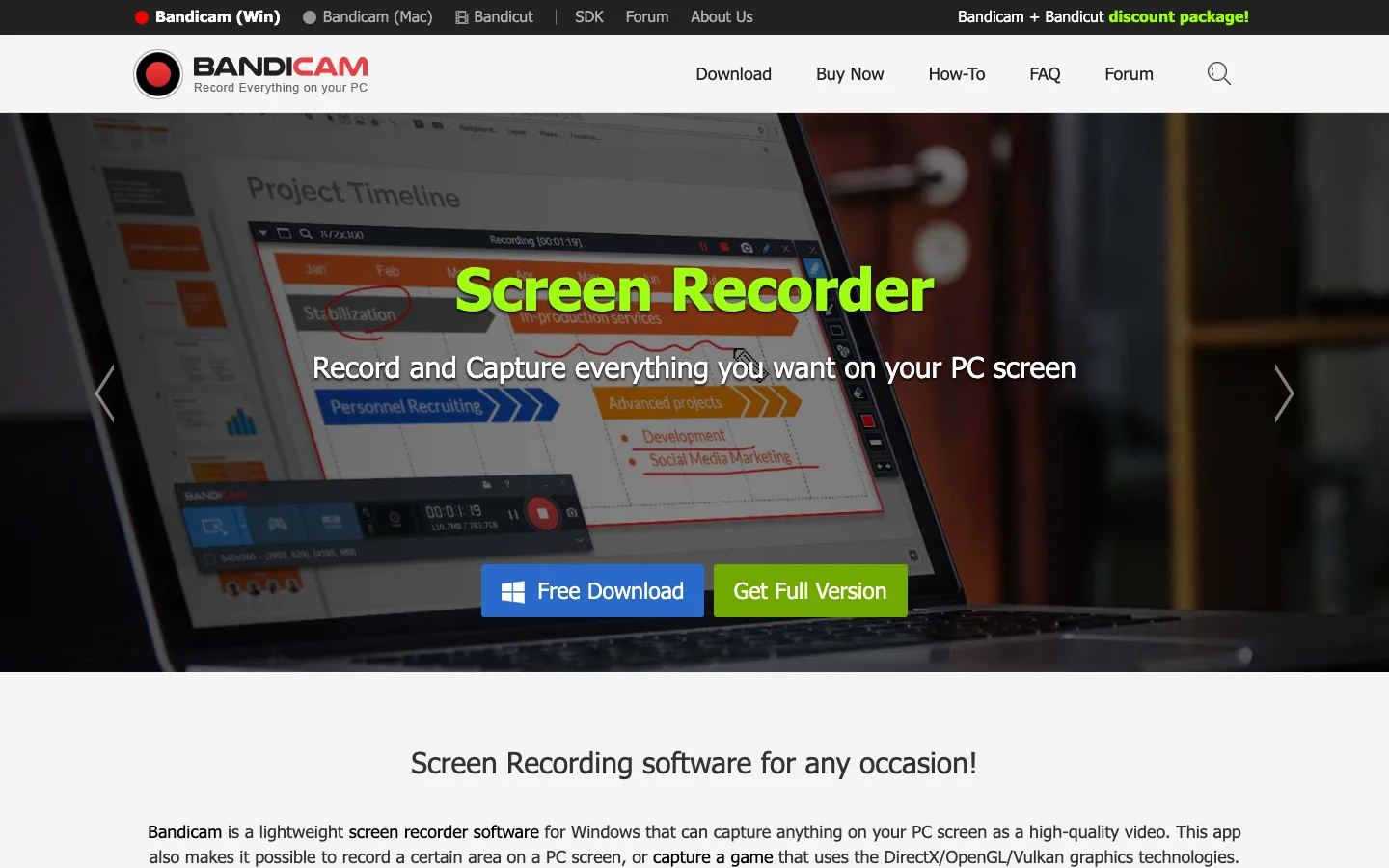
Choose Bandicam when the recording job is on a Windows PC, especially if the use case is desktop or gameplay capture and the official page's current feature set matches your needs.
Choose Redol when you are on Mac and the deliverable is a local MP4 tutorial, product demo, support response, or course clip. Redol should not be framed as a Bandicam replacement for Windows gameplay or device capture yet.
Replacement Checklist
Before you switch away from Apowersoft, run a short test clip with your real inputs. A one-minute test is safer than choosing from a feature table alone.
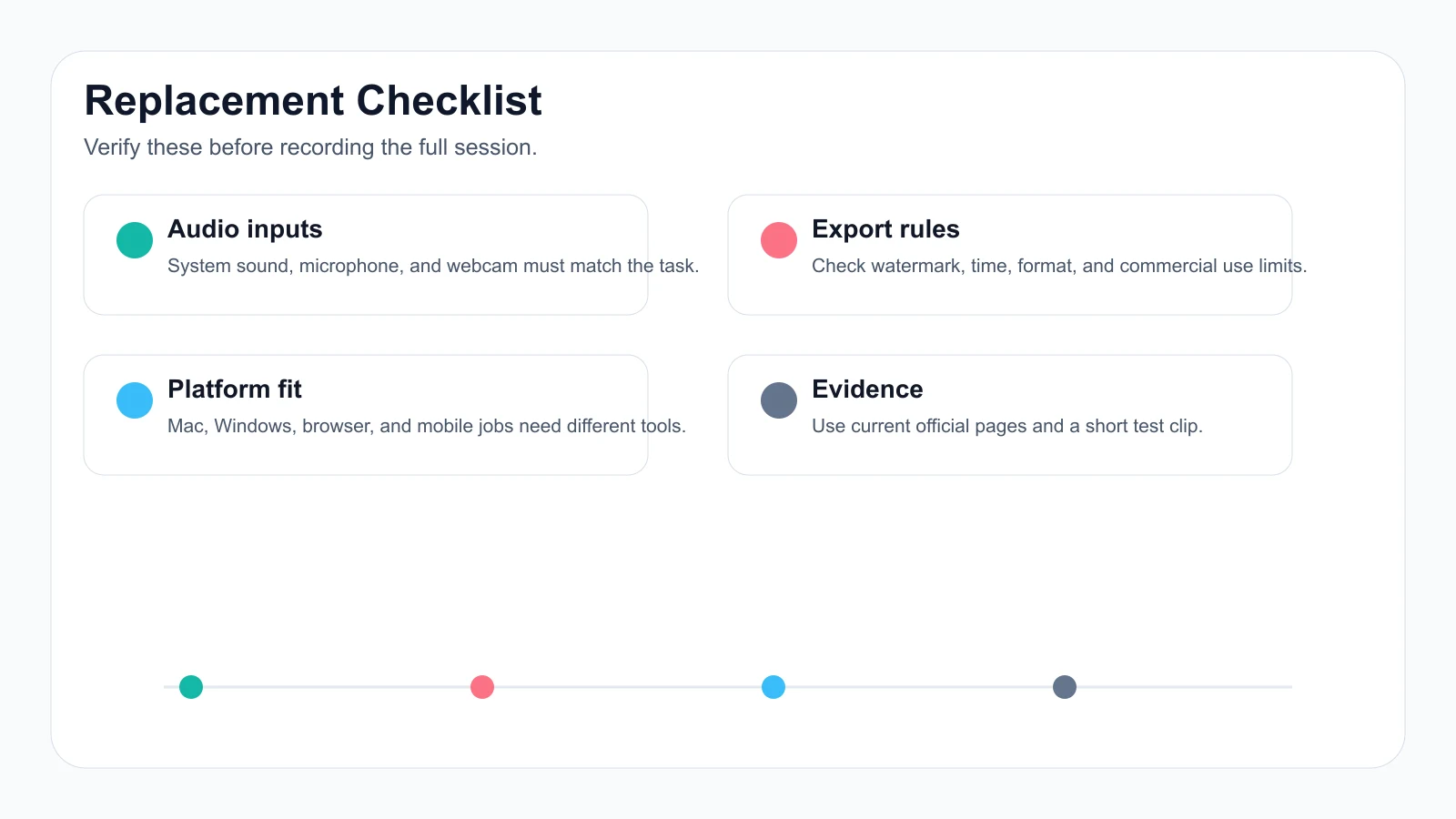
Use this checklist:
- Capture source: screen, browser tab, window, webcam, microphone, and system audio.
- Platform: Mac, Windows, browser, mobile, or a mixed team.
- Output: MP4, GIF, image, cloud link, local file, or edited project.
- Limits: watermark, recording length, trial restrictions, scheduler, and commercial use.
- Privacy: local-only recording, browser workflow, or cloud upload.
- Editing depth: crop, zoom, cursor emphasis, annotations, screenshots, timeline editing, or livestream scenes.
Final Recommendation
Use Redol as your Apowersoft Screen Recorder alternative when the job is Mac-first, local, no-watermark, and production-oriented: tutorials, product demos, support answers, async updates, and course recordings that need clean MP4 export.
Use OBS when you need a live production surface. Use Icecream, Movavi, or Bandicam when a broader desktop recorder, screenshot workflow, Windows capture path, or plan-specific feature matters more than Redol's Mac local workflow.
Do not let the word "alternative" flatten the decision. The best replacement is the tool whose current official page, your test clip, and your publishing workflow all agree with the job you actually have.
Related posts
About the Author

Zhang Guo
AI Product Manager · Digital Marketing Consultant
AI product manager and digital marketing consultant with a background in music. I see creativity as the bridge between rhythm and logic, where musical intuition and mathematical precision can coexist in every meaningful product decision.
Follow on X